Online MP4 Editor
Create stunning videos quickly and easily with our MP4 Editor. No installation required.
Our partners

Online MP4 Editor
Try it nowBest Online MP4 Video Editor
Create stunning videos quickly and easily with our MP4 Editor. No installation required. It is a user-friendly platform designed to provide you with quick solutions without the need to be technical.
Whether it is marketing videos or social media videos, the editor lets you edit in your browser without compromising professional quality. The streamlined workflow ensures that you can easily upload, edit, and export videos without doubts.
Being a versatile MP4 editor, it is flexible and performance-oriented to enable creators to manage their projects throughout the creation process. Whether you are refining videos to use in business or personal purposes, the tool has it all to enable you to smoothly edit videos.
It is a free online video editor that does not require downloads and helps to effectively edit videos in a cloud-based and modern environment. It has a predictable performance and easy-to-use controls that guarantee a video editing experience for users at any skill level.
Creating standout videos is super simple with our online MP4 Editor. Use it whenever you need an MP4 cutter or trimmer. You can add text styles, footage, and music from our libraries as you go. Sign up for free and start creating professional-quality content using a reliable video editor free online built for speed, flexibility, and creative control.
Edit MP4 Videos With Ease
One of the simplest and fastest MP4 editors on the internet, Promo’s MP4 Editor is designed for users of all skill levels.
You need not be a professional in order to achieve professional results. With an intuitive interface and easy tools, you can create a professional-looking video with a few clicks, giving you the ability to create, edit, and post high-quality videos online in a short time, which makes video editing fast, easy, and efficient.
Cut and Trim Your MP4 Video
Need to remove unnecessary parts of your MP4 video?
Our MP4 editor enables you to resize, crop, and trim videos with precision for a clean, professional result. This efficient editor video process allows users to adjust pacing, remove distractions, and refine content easily while maintaining quality when you edit video online free.
Add Text Easily
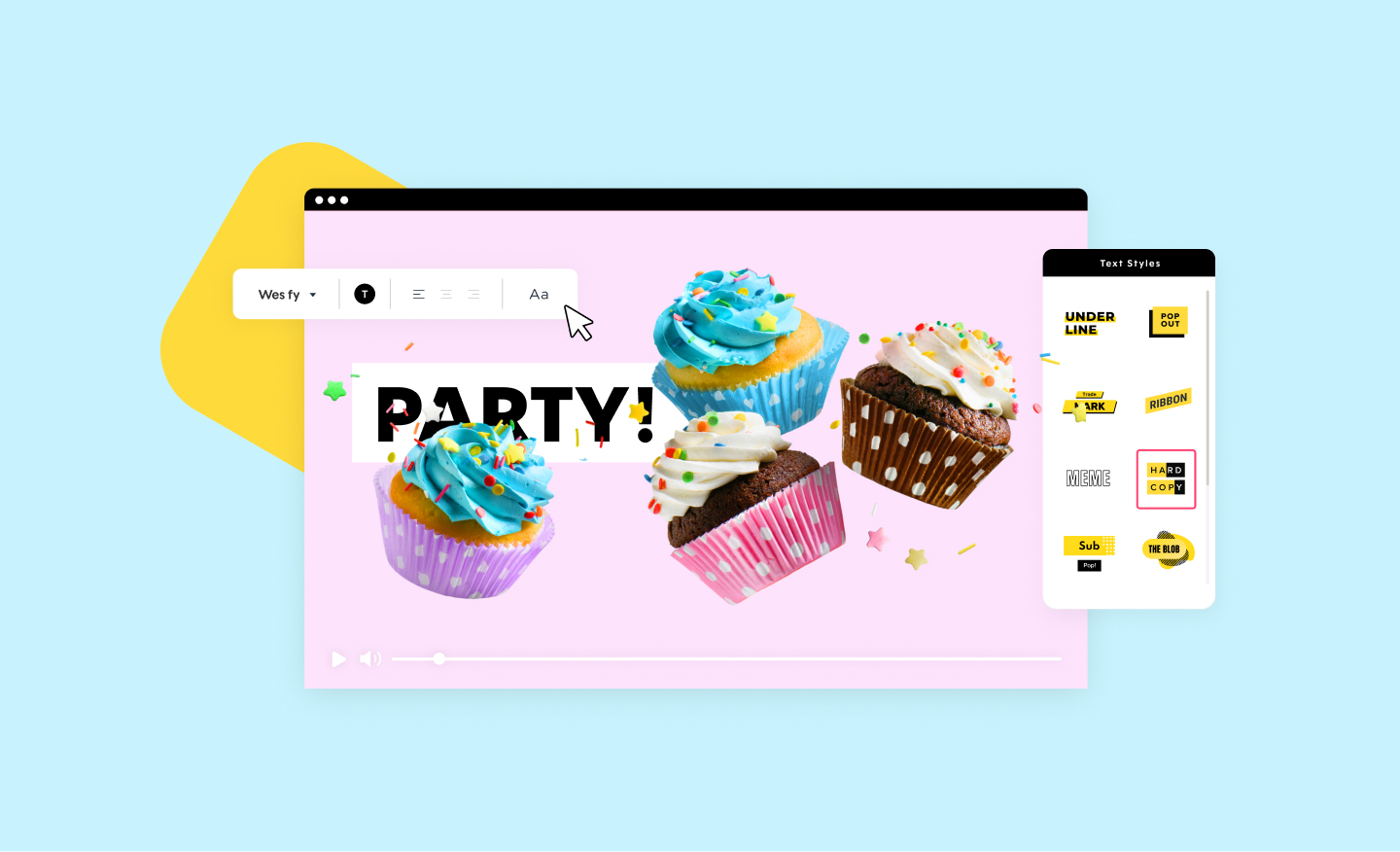
Adding text to your MP4 video is easy using our editor. Choose the text style of your choice from our selection and customize the size and colors to match your brand. This flexible video editor feature helps improve clarity, highlight key messages, and enhance storytelling while keeping the entire video edit process simple and consistent.
Create and Share
Our MP4 Editor offers optimized settings for sharing your videos across major social media platforms. Expect top performance and the highest video quality every time you export. Easily finalize projects, continue editing videos when needed, and publish content quickly through a centralized online video platform designed for fast distribution and audience engagement.
How To Edit MP4 Files Online With Promo
Editing MP4 files has never been easier with Promo’s intuitive platform, designed for fast and efficient online video editing. As a reliable video editing website, Promo allows users to create professional-quality videos directly from their browser, without downloads or technical complexity. This online free video editor is ideal for marketing, social media, and business content creation.

Upload MP4 files
Select an MP4 from your files, then click Upload. The process is quick and secure, allowing you to start video editing online instantly. Whether you are working on a short clip or a longer project, the platform supports smooth editing video workflows from the start. As a browser-based MP4 editor, it eliminates the need for downloads while ensuring reliability and data security throughout the upload process.

Edit your MP4
Using the editor, you can now make any changes you need. Crop, resize, add text, choose music, and more using our MP4 cutter & editor. This flexible tool supports video editing for free and works as a complete video editor for creative customization and precise control. With intuitive controls and real-time previews, users can confidently manage every stage of the video edit process.

Download & Share your MP4
Once you’re happy with the result, click on Preview & Save. The last step will be to download your video or share it through our editor to your preferred social media platform. This seamless video edit online experience makes Promo a trusted video editor website for fast publishing and professional-quality results.
Why You Should Use Promo's MP4 Editor
Promo’s MP4 Editor is designed to help creators produce professional videos quickly and efficiently without technical complexity. As a modern browser video editor, it delivers speed, flexibility, and creative control entirely online.
Free Online Editing Software
Like most of the Promo tools, you can use this MP4 editing software free of charge! No installment or payment required. It is a free online MP4 editor, which is an advanced online video editing software, where users can do an MP4 edit online, directly in their browser. It eliminates cost challenges and provides a consistent performance to both beginners and professionals.
Edit MP4 Videos From Anywhere
Our free online video cutter does not need any installation or expertise. With a few button clicks, you can have an impressive-looking video with your star footage and yours all ready within a few seconds. This web video editor is a flexible tool that enables users to edit MP4 videos online regardless of the device used, and it also works well as an online movie editor.
MP4 Videos That Convert
Enhance the quality of your content and create a higher level of interaction with your videos instantly with our MP4 video editor that comes with a wide range of options. Being a powerful MP4 video editor online, it assists in refining images, the flow of action, and storytelling. The intuitive tools facilitate better engagement, more powerful messaging, and improved performance across the digital platforms.
Simple MP4 Editing Workflow
Promo MP4 online editor is designed to be efficient, and the creator can execute their projects without any unnecessary processes or technical hassle. The simplified design makes the entire MP4 editing process easier and allows users to concentrate on creativity, as opposed to software constraints, without compromising the results with a consistent, high-quality output each time.
Fast Export and Sharing
Using the MP4 Editor of Promo, once your video is complete, it can be exported and shared immediately. The platform maximizes the output of social media, websites, and presentations, and is of high-quality each time. This MP4 online editor makes it simple to edit MP4 videos and share them without any delays, which saves time and enhances the efficiency of the working process.
What Our Clients Say
Frequently Asked Questions
How Easy Is It to Edit MP4s?
No previous editing experience necessary! Our online video editor is designed to provide everyone with a smooth editing experience. We also update our tools regularly to help you work more efficiently.
What Kind of Editing Can I Do With Promo's MP4 Editor?
From basic actions like editing an MP4 video to special features like adding footage, music, and text – we’ve got you covered. We encourage you to explore each tool yourself and let your creativity lead the way!
How to edit an MP4 video using Promo’s online editor?
If you are wondering how to edit a MP4 video, simply upload your file to Promo’s online MP4 Editor through your browser. You can trim, crop, add text, music, and other effects using the intuitive interface. No installation or prior experience is needed, making it a perfect free MP4 editor online for all users.
Do I need video editing experience to use the MP4 Editor?
No, Promo’s MP4 Editor is designed for creators of all skill levels. Beginners can quickly edit MP4 videos while professionals can fine-tune projects. Its intuitive tools make editing MP4 video fast and efficient without sacrificing quality.
Can I edit MP4 videos on any device or browser?
Yes, Promo’s editor works directly in your web browser, allowing you to edit video files online from any device. This flexibility makes it easy to create professional videos wherever you are, without needing additional software.
Can I crop or trim MP4 videos online?
Absolutely! Promo provides an MP4 trimmer online and cropping tools to allow you to delete any part of the video or change the frame of the video. This is one of its MP4 video editor features that makes your content social media or presentation-ready.
Can I create new MP4 videos from scratch?
Yes, Promo is an MP4 video maker and MP4 generator, which means that you can mix videos, text, and songs to create a new video altogether. It is also a trusted MP4 video editor online free, ideal for every person wishing to edit MP4s quickly and professionally.
Create any video for your business with Promo
If you’re looking for an MP4 editor, we’ve got your back. However, there’s much more to do on Promo.com. Explore our collection of online tools and start creating better videos today.

Explore More Online Tools
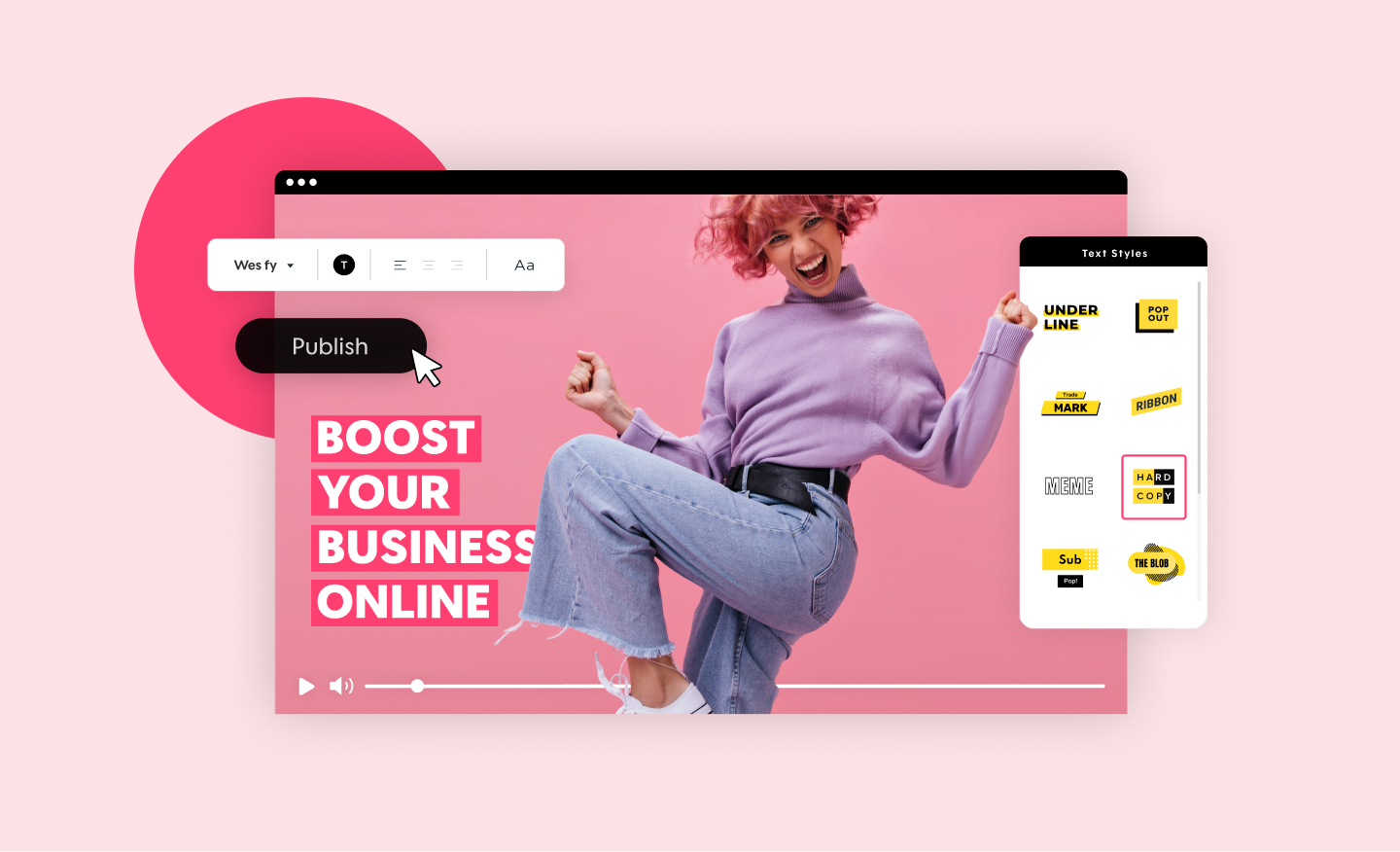
Promo Video Maker
Create a standout video for your company or business in minutes. Choose videos, images, and music from our premium stock library or upload your own for a professional and impactful result.
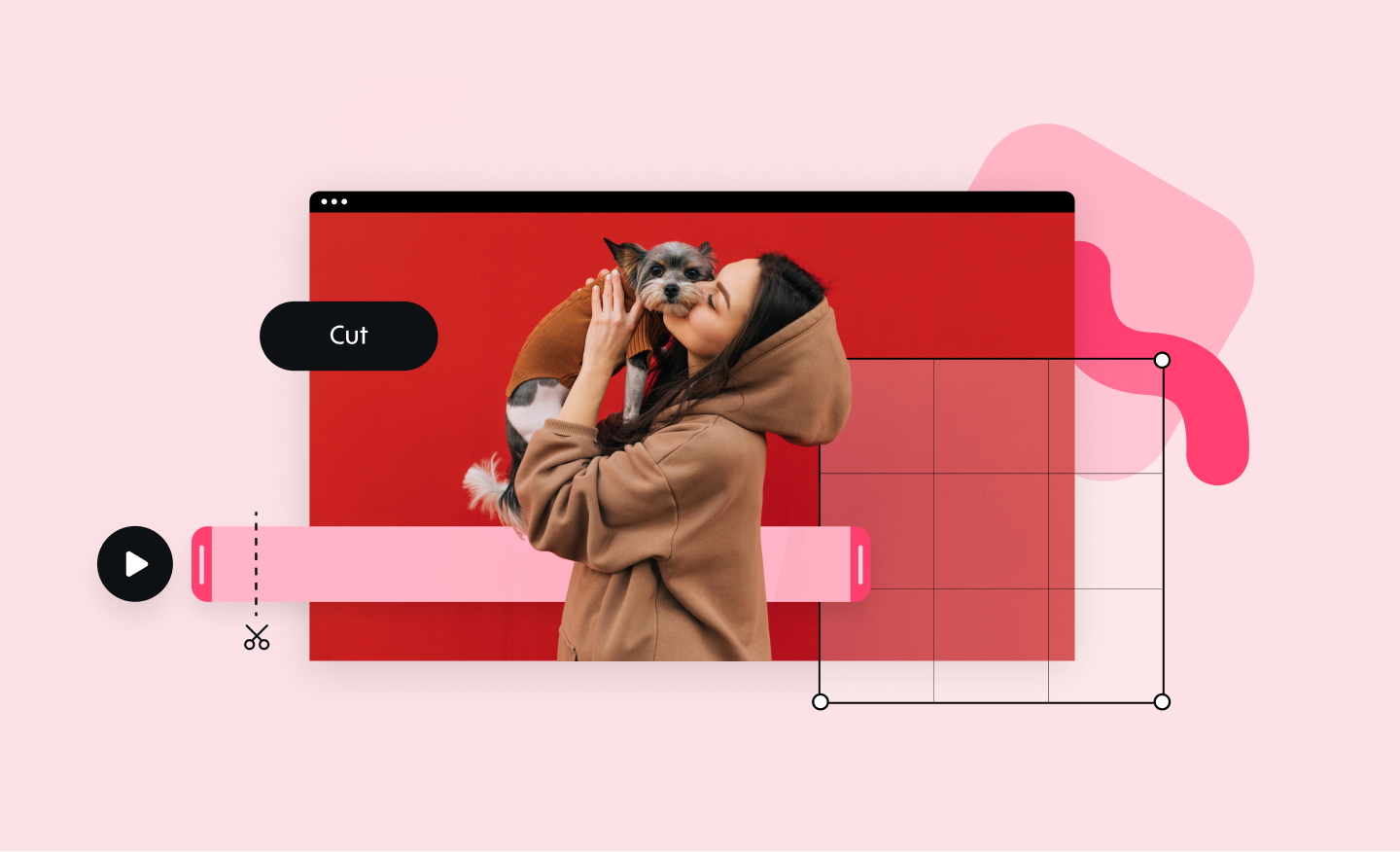
Online Video Cutter
Our online video cutter makes removing any unwanted video footage easy and fast. Cut and trim sections from your video quickly and without losing quality.
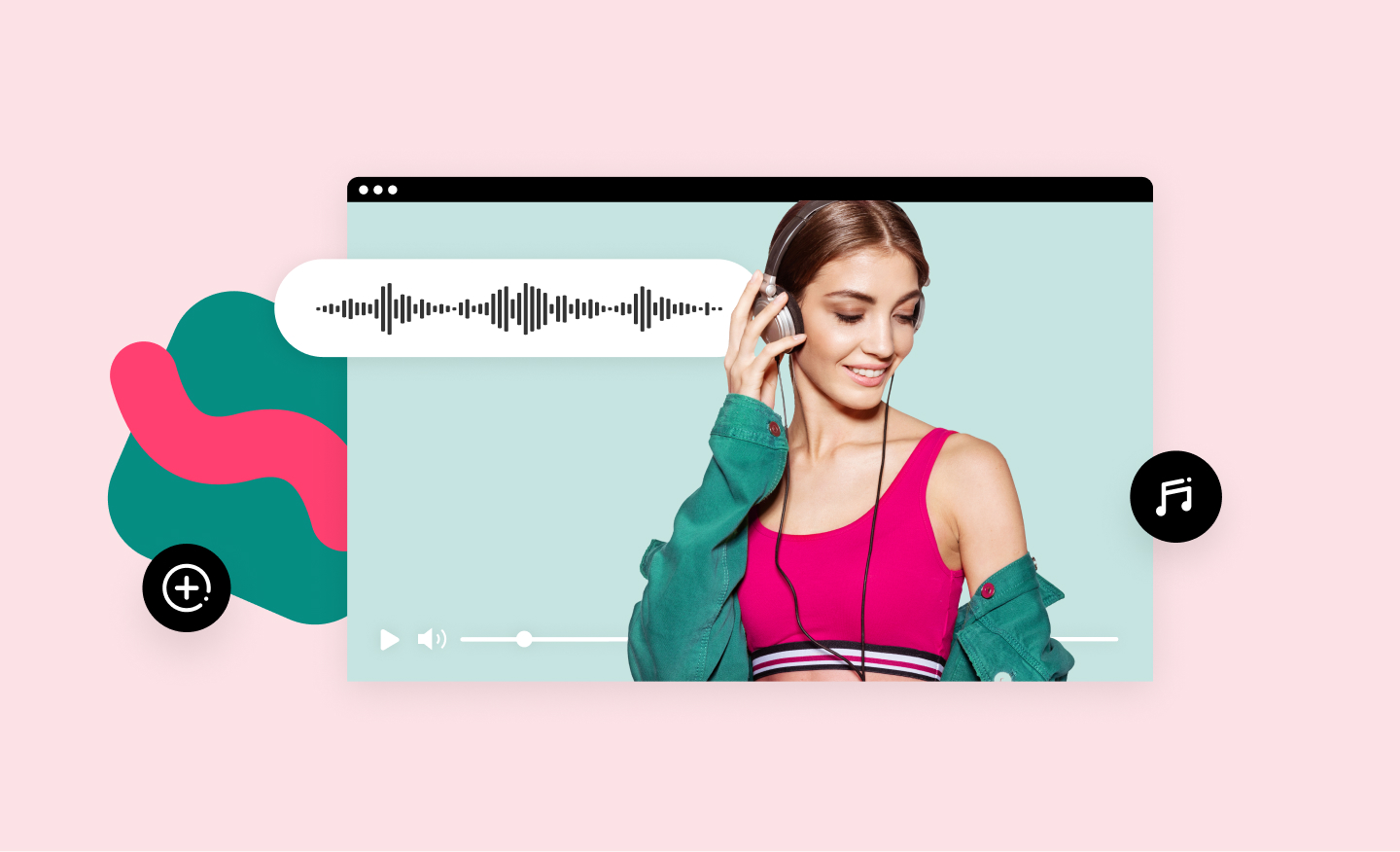
Add Music to Video
Add audio tracks to your video in no time using Promo’s online video editor. It's easy, free and completely online. Upload your own music or choose one from our audio library, pre-approved for all social media platforms.
Birthday Video Maker
Create birthday memories that will last forever with Promo.com's easy-to-use happy birthday video maker. A unique and special way to celebrate someone's special day.