Online Slideshow Maker
Create a captivating slideshow with videos, images or both using our easy-to-use slideshow maker
Our partners

Slideshow Maker
Try it nowCreate Engaging Slideshows for Business or Fun
Create a captivating slideshow with videos, images, or both using our easy-to-use slideshow maker. You can use our tool to create slideshow to use in business presentations, social media marketing, personal events, and even your family memories with ease.
This online slideshow maker enables you to create your photos and video clips professionally without the need to have any previous experience in video editing. With flexible design features, customizable captions, and a rich music library, you can create engaging slideshows that capture attention, convey your message effectively, and leave a lasting impression.
This free slideshow maker is perfect for anyone looking to explore creative slideshow ideas, make slideshow projects quickly, or experiment with easy slides that look polished and professional.
Whether you want a simple photo slideshow or a more dynamic multimedia presentation combining video and images, this tool provides all the features you need to make slideshows that truly stand out.
The power of video can’t be understated, and making slideshows is a sure way to engage your audience and get your message across. Enjoy our amazing design features and music selection to create a slideshow that stands out and engages your audience. Whether you are sharing slideshows for marketing purposes or personal use, this online slideshow makerfree tool, helps you achieve stunning results effortlessly.
Mix and Match Images with Video Clips
You can easily use your own videos and photos in the slideshow, or use clips from Promo’s extensive iStock and Getty Images video library.
This allows for limitless creativity in your photo slideshow, helping you combine images and video seamlessly for a dynamic presentation. This online slideshow maker ensures professional results every time.
Custom Design Your Slideshow Captions
You can easily add captions to your video slideshow at the click of a button and style and position your text anywhere you want.
Adding creative captions ensures your slideshows communicate your message clearly while keeping viewers engaged. This free slideshow maker lets you make slideshow projects stand out visually.
Create a Slideshow with Music
Make a slideshow with music to drive home your message. Choose from over 1.5K pre-licensed music tracks in our library, or upload your own. Background music elevates your presentations, making them immersive and memorable.
Whether for personal or business use, this feature helps create a polished photo slideshow.
Branded Slideshow Maker
Add your logo or watermark to any slideshow. You can even use your brand fonts and colors for a complete branded look.
This feature is ideal for businesses looking to maintain brand consistency while sharing promotional slide shows. Using this tool, your professional slide show creator projects gain a polished finish.
How to Create a Slideshow?

Upload your Images & Videos
With Promo’s slideshow maker, creating video slideshows is easy and fun. First, upload your clips or select your choice from our iStock and Getty Images library.
Using this free slideshow maker, you can explore various slideshow ideas, whether it’s for special events, personal projects, or social media campaigns.

Adjust Sizes & Add Texts
Depending on the size of the images and the aspect ratio of your video, some simple placement adjustments may be required. You can easily make any adjustment in the video editor.
This online slideshow maker combines ease-of-use with professional-quality results, helping you make slideshow projects quickly and efficiently.

Preview & Publish or Download
After you have arranged your images and designed your slideshow with creative text, colors, music, and even added your brand logo, you can preview & publish to see your work.
From simple photo slideshow projects to advanced creative slides, you can rely on this tool to make slideshow creation an enjoyable and satisfying experience.
Why Use Promo.com's Free Slideshow Maker
Promo.com’s free slideshow maker is designed to make creating professional, eye-catching slideshows easy and accessible for everyone—here’s why it stands out.
No Experience Needed
Creating the best slideshow possible takes a great slideshow maker, and Promo offers so many creative design options that you just can’t lose. Our simple and easy-to-use tools provide a great user experience in converting your photos into the perfect video.
No digital design experience is needed to use our slideshow, and it’s free! This makes it ideal for anyone looking to create a slideshow or create video from photos without prior expertise.
Get Creative With Our Slideshow Maker
Do more than add photos to video – make it pop with royalty-free music options, free images from our media gallery, a multitude of text style options, and so much more.
Your slideshow will truly stand out when you apply your creativity, making your ideas stand out. Promo’s slideshow app and slide show creator features let you explore unique styles, add captions, and combine images and videos for professional-looking results.
No Installation is Necessary!
Promo.com’s slideshow maker doesn’t require installing or adding heavy software downloads – use it straight from your browser! It’s super convenient to have everything you need online and stored in one place if you want to mix and match or use previous creations for something new.
Learning how to create a slideshow is simple, and this photo slideshow maker makes managing your projects effortless and enjoyable.
What Our Clients Say
Frequently Asked Questions
How Do You Make a Video Slideshow?
It’s easy and requires just three simple steps! 1. Upload any images you want to turn into a video 2. Make simple adjustments to placement and add other elements 3. Preview & Publish to download or share! Promo.com’s free slideshow maker is easy to use and packs many extra features to make your slideshow stand out.
Is There a Free Slideshow Maker?
Yes! Promo.com has been called the best slideshow maker for its excellent user experience, various creative design tools, efficiency and effectiveness for business video marketing, and housing over 110M premium Getty Images and iStock videos.
How Do I Make a Slideshow with Music Free?
Making a slideshow with music is no problem with Promo’s slideshow maker. Simply upload your photos to the slideshow, adjust the placement of the images, use Promo’s creative design features, pick your favorite tune, and add it with a click.
What is the Best Slideshow Maker?
At Promo, we think we have the best video slideshow maker. Promo’s free slideshow maker offers Promo’s creative design tools, an extensive image and video library, royalty-free music selection, and an easy-to-use user interface. Promo’s video slideshow maker is considered the best slideshow maker among many, and it works straight from your browser.
How to Make Video from Images?
The design process should be easy and rewarding, whether you’re putting together a business presentation, a real estate listing video, or a team manual. Promo.com has an easy-to-use free slideshow maker. You can create a slideshow with your images in just a few easy steps: uploading, designing, and then downloading.
How to Make a Slideshow with Music and Pictures for Free?
Use Promo.com’s slideshow maker free and make a slideshow with music! You can even browse through our massive library of royalty-free videos and images to use for your slideshow video. Then, create a video from photos with just a few clicks and filter through the music library that’s also royalty-free! You can make a video with pictures, add music, text, and other elements in just a few easy steps.
How to Change The Aspect Ratio of Video Slideshow?
Use our slideshow maker to resize your images to ‘Wide,’ ‘Square,’ or ‘Vertical’ sizes. After you upload your pictures, you can access the ratio dropdown and apply the size you need. Be sure to reposition your text accordingly. When you’re finished and click on Preview & Publish, your video will automatically be formatted to the ratio you chose.
A Slideshow Maker is Just The Start
At Promo.com, it’s our business to help small businesses create powerful visual products that engage audiences. From our online video maker to meme generator, start improving your online presence with our amazing tools today.
In addition to videos and memes, you can easily craft a professional slideshow presentation or a dynamic picture slideshow to showcase your brand, products, or services. These visually engaging formats help capture attention on social media, websites, and presentations.
With Promo’s user-friendly tools, creating impactful content—whether it’s a video, meme, or slideshow—has never been easier or more effective for growing your business. Explore these tools to start creating your first stunning slideshow today.
Explore More Online Tools
Discover a variety of easy-to-use tools from Promo.com that help you enhance your content, create engaging visuals, and grow your online presence effortlessly.
1. Photos to Video Maker
Any image can now become a dynamic video using our photo-to-video maker. Add your photos to any of our scroll-stopping video templates and watch your images come to life.
2. Promo Video Maker
Create a standout video for your company or business in minutes. Choose videos, images, and music from our premium stock library or upload your own for a professional and impactful result.
3. Free Image Resizer
Our powerful image resizer will change the dimensions of your image for over 100 web and social media formats with a click. Wow your followers with perfect-looking photos.
4. Add Text to Video
Add text to video online with just a few easy clicks – straight from your browser, too. Outshine your competition with powerful videos that boost your bottom line.
A Slideshow Maker is Just The Start
At Promo.com, it’s our business to help small businesses create powerful visual products that engage audiences. From our online video maker to meme generator, start improving your online presence with our amazing tools today.

Explore More Online Tools
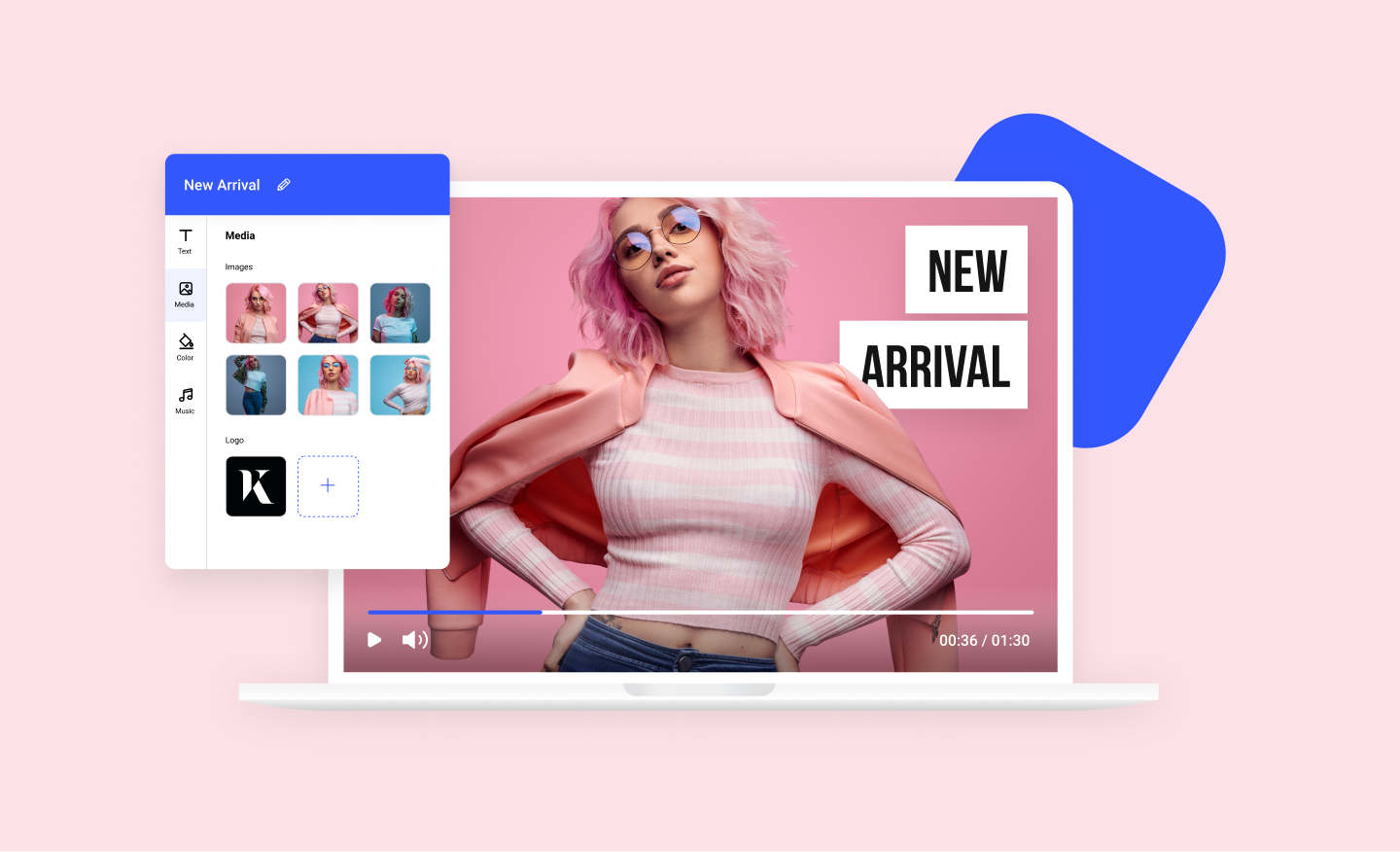
Photos to Video Maker
Any image can now become a dynamic video using our photos to video maker. Add your photos to any of our scroll-stopping video templates and watch your images come to life.
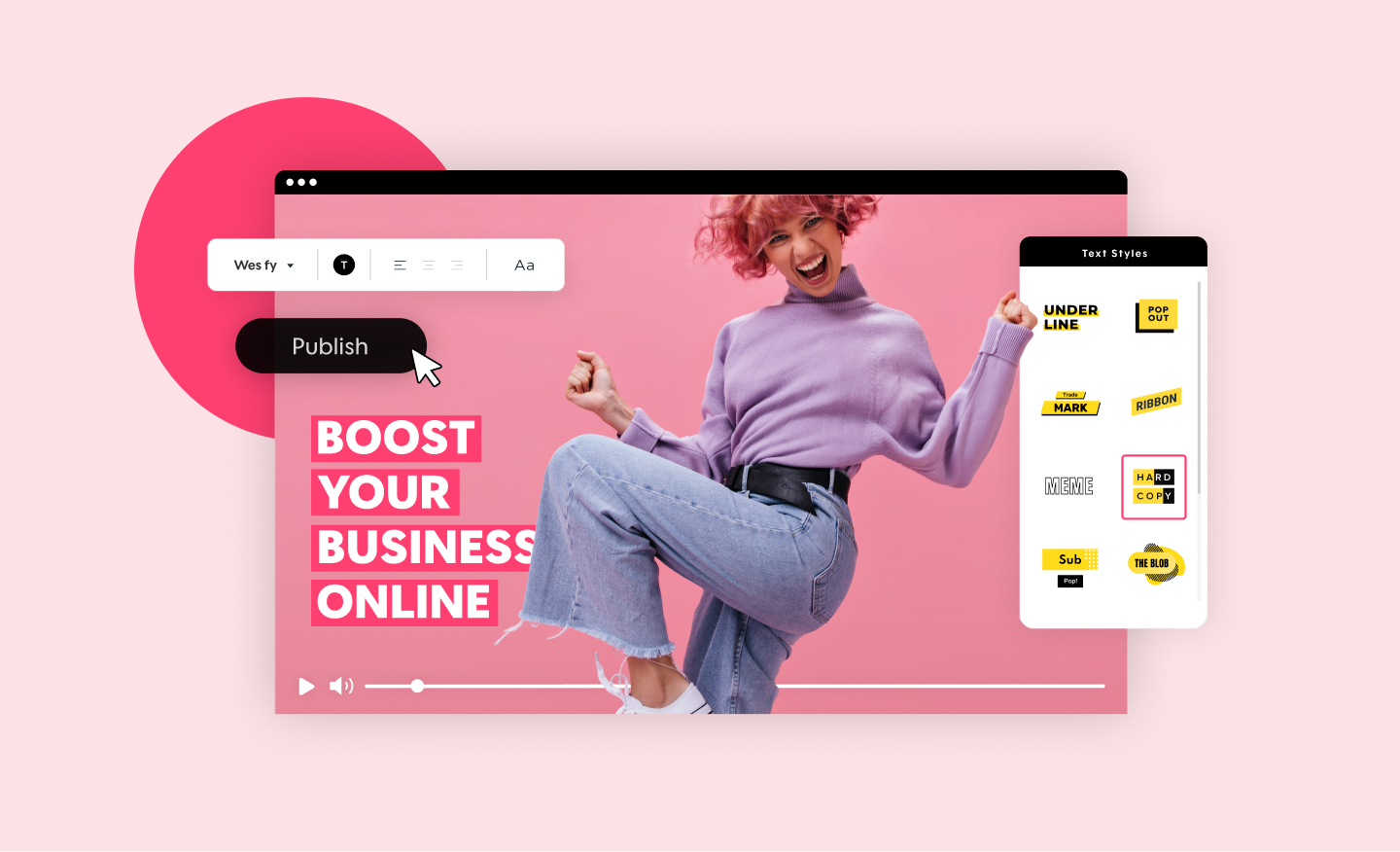
Promo Video Maker
Create a standout video for your company or business in minutes. Choose videos, images, and music from our premium stock library or upload your own for a professional and impactful result.

Free Image Resizer
Our powerful image resizer will change the dimensions of your image for over 100 web and social media formats in a click. Wow your followers with perfect-looking photos.
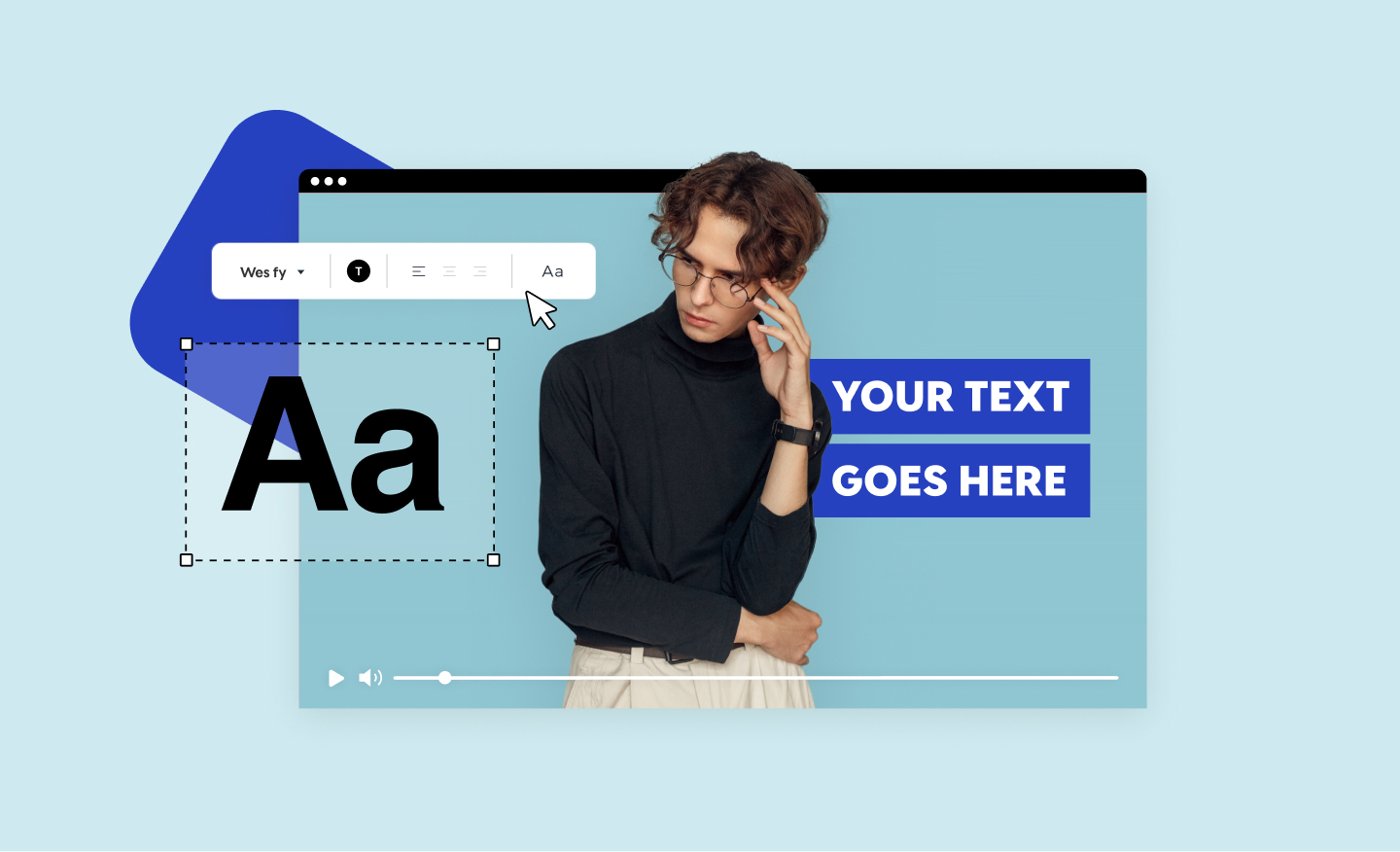
Add Text to Video
Add text to video online with just a few easy clicks - straight from your browser, too. Outshine your competition with powerful videos that boost your bottom line.