Online GIF Editor
Our GIF editor allows you to crop GIFs online straight from your browser with just a few easy clicks!
Our partners

GIF Editor
Create a GIFCreate Your Own GIFs
Our GIF editor, created with speed, simplicity, and flexibility, enables you to crop GIF online with a few simple clicks straight from your browser! This online tool enables you to control your animated content to the fullest without the need to install any software.
Whether you have to create visuals in marketing, social media content, or a quick creativity experiment, it all takes place right in your browser. The interface is intuitive, responsive, and built for users of all skill levels.
From a first-time maker to an expert in designing, anyone can make a quick GIF edit and get professional results within minutes. Upload your file, resize, preview any changes to your file, and download immediately.
Our GIF editor provides you with smooth workflows, enabling you to make changes to the animation as many times as needed until you have the perfect animation. With a stable performance and no technical limitations, this GIF editor is an effective tool to quickly customize high-quality GIFs at scale.
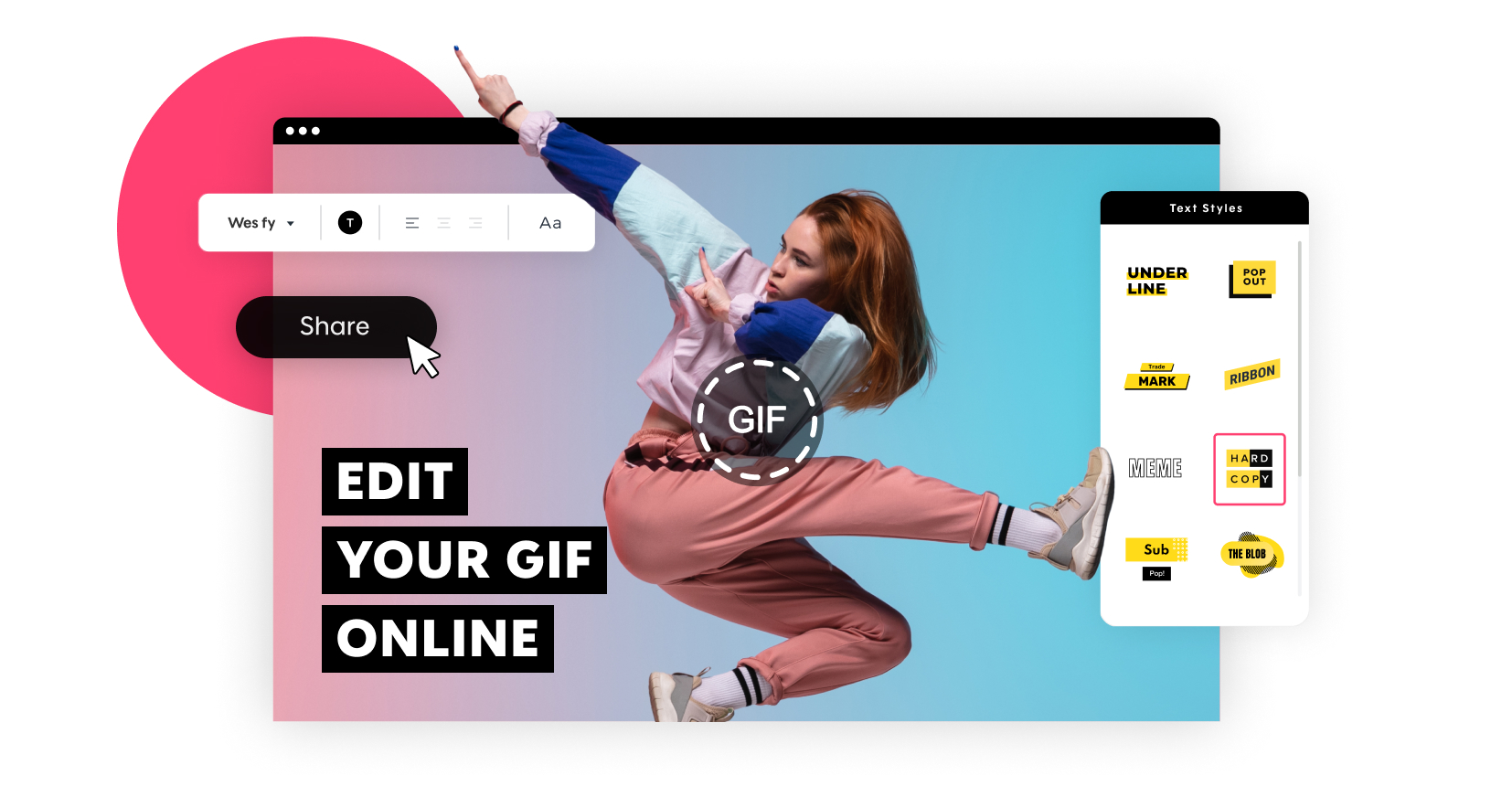
Choose from millions of videos or upload your own. Match them with our custom text styles and create your perfect GIF. Easily edit GIF, resize GIF, and crop GIF as much as you like.
Free GIF Cropper
Why pay when you can crop a GIF for free?
Our GIF cropper is entirely free and accessible to anyone. Use it to make unlimited GIFs as many times as you want, and it makes it a convenient, quick, and reliable tool for all your GIF editing needs.
GIF Resizer
Is your GIF the wrong ratio?
Our GIF editor helps you to resize your GIF in a single click. Instantly change the ratio to square, wide, or vertical.
With preset aspect ratios and automatic previews, this online GIF editor makes your content look professional and optimized across social media, websites, and digital campaigns.
GIF Editor
Our GIF editor allows you to edit your GIF over and over again with ease. Create as many versions as you want and download them.
Make modifications freely and edit repeatedly. Duplicate versions, test creative options, and download finished files whenever necessary.
Multiple GIF Options
You can edit a GIF in so many ways using our free tool. Add text to your GIF, edit it, resize it, add various elements, and of course, crop GIFs easily.
Get all the editing features in a single user-friendly interface. From text overlays and trimming down, all the tools are aimed at making GIFs easy to customize, with professional outcomes.
How to Crop a GIF
It is easy and effective to crop a GIF with the help of a browser-based tool that allows flexibility and accuracy. Our GIF editor lets you create, optimize, and export high-quality GIFs in only a few simple steps.

Create your GIF
The first step is to upload a video to our tool. You are free to use your own or use our footage library. After uploading, customize your GIF by adding text, adjusting the position, and arranging the layout using the GIF editor.
This step determines the structure and look of your GIF before you proceed to cropping and editing.

Crop & Edit Your GIF
Next, use our markers to select the exact portion of the footage you want to keep. Add text with a variety of styles and fonts, adjust timing, and refine the layout.
This stage allows you to crop GIF content precisely, polish the animation flow, and preview changes in real time, ensuring your GIF looks professional and ready for sharing.

Download & Share Your GIF
Finally, go to the publish page and choose export as GIF. Use the two blue handles to trim your animation and apply a precise GIF crop.
Once satisfied, download your GIF or share it instantly. This step makes it simple to create, edit, crop a GIF, and distribute it quickly without any software installation.
Why Use Promo.com to Crop GIFs?
Choosing the right platform to crop a GIF can significantly improve both efficiency and output quality. Promo.com offers a streamlined, professional environment that makes GIF creation, resizing, and editing simple for any use case.
Ready-made GIFs
With our GIF maker, you don’t have to start from scratch. Our templates already come with thousands of Gifable moments and great copy. All you have to do is choose your footage, crop GIF, and publish.
This not only saves time but also delivers a polished output. You can quickly crop a GIF in just a few seconds to use in marketing, social media, or campaigns without having to deal with design or formatting issues.
Social Media GIF Resizer
Easily resize your GIF using our online GIF editor in seconds! Optimize your GIFs for your marketing requirements. Whether you are publishing on social media, email campaigns, or websites, preset ratios assist in making sure that it fits perfectly.
You can resize, change its framing, and crop an image to ensure that your content looks professional everywhere.
Simple Interface
The simplicity is the key to the best GIF editing user experience. Our GIF trimmer allows you to pick the part and the duration of any video or GIF with a single drag of the 2 blue handles.
The user-friendly interface saves time on editing and eliminates technology hurdles, allowing anyone to easily crop a GIF and have full control over the timing and the visuals.
Flexible Editing and Reuse
Promo.com enables you to edit GIFs without restrictions. You are able to test variations, move layouts, tune timing, and crop a GIF many times until you get it exactly to your specifications. Make multiple copies of one asset, save them, and download them as needed.
This flexibility promotes uniform branding, experimentation, and large-scale creation of content.
What Our Clients Say
Frequently Asked Questions
Can I edit a GIF?
With Promo.com, you can edit any GIF you want – you can even make your own GIFs in just a few clicks.
Is legal to make GIFs?
General use of GIFs is harmless and doesn’t tend to get any bad press. Businesses, on the other hand, need to be careful when using copyright materials for commercial use. There are no solid legal repercussions just yet, but tread carefully just to be safe.
How can I edit a GIF online?
Through the GIF cropper that is available at Promo.com, you can easily edit the GIFs without downloading and installing software. It is an excellent way to resize GIFs online, split GIFs, crop GIFs, edit a GIF, and so on.
Can I add text to a GIF?
Yes! Promo.com enables you to write on any GIF with ease. You have the opportunity to choose several different text styles and fonts, place them in any part of your GIF, and create a contrast. This option works seamlessly with cropping and resizing, allowing you to have all the freedom to make your unique and captivating GIF to promote or use it on social media.
Do I need to download any software?
No downloads are required. Promo.com’s GIF editor is completely web-based, so you can edit GIFs, crop GIFs, and resize content right in your browser. This renders it quick, easy, and convenient to all, whether you are using a desktop, laptop, or tablet.
Can I reuse my GIFs after editing?
Absolutely. You can edit your GIF several times, make different versions of it, and download it as many times as you want. This flexibility allows you to crop, resize a GIF, and add new elements whenever you desire, making content creation efficient and repeatable.
The power of video at your fingertips
If you’re looking for a GIF cropper, we’ve got your back. However, there’s much more to do on Promo.com. Explore our collection of online tools and start creating better videos today.

Explore More Online Tools
Promo Video Maker
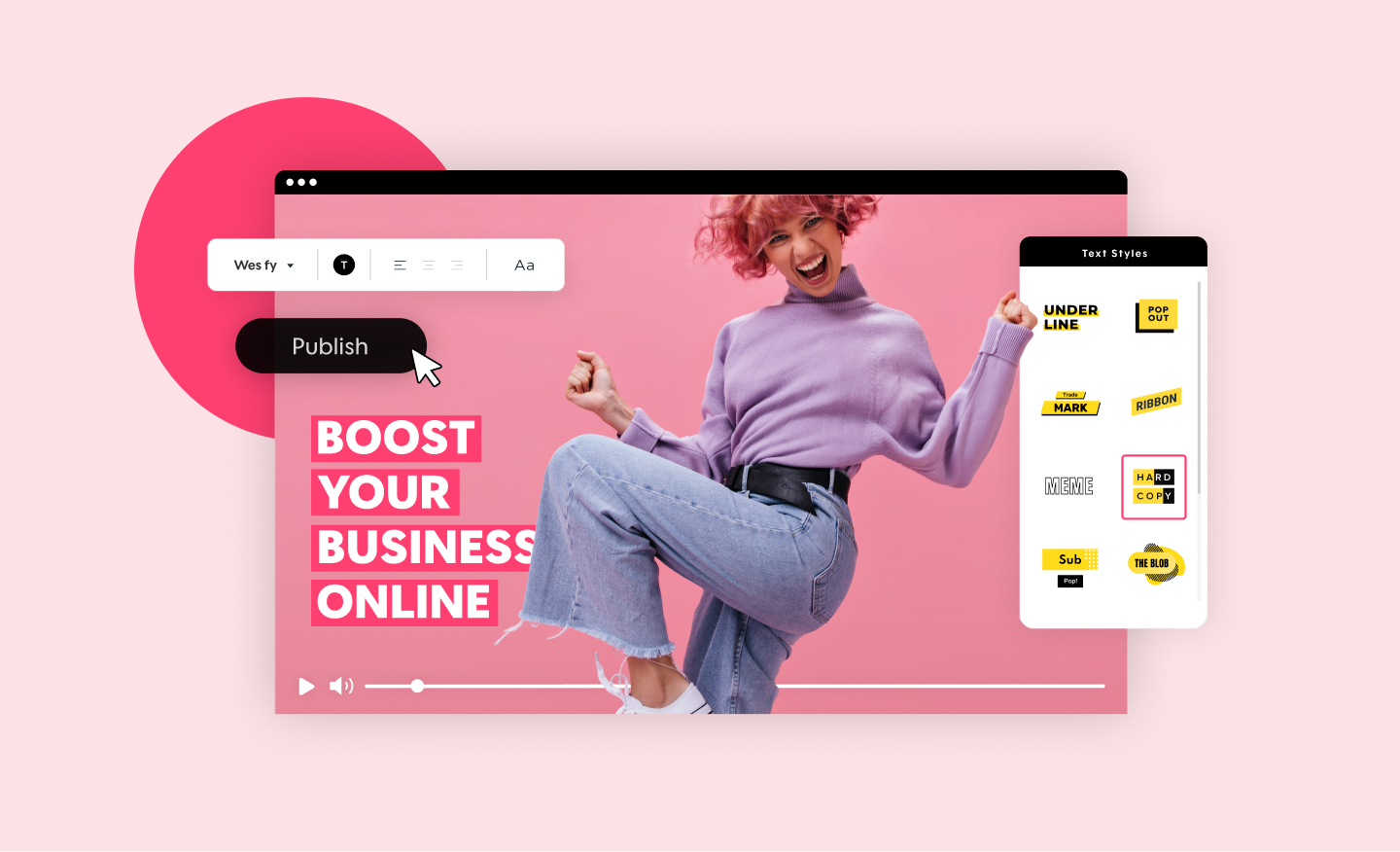
Create a standout video for your company or business in minutes. Choose videos, images, and music from our premium stock library or upload your own for a professional and impactful result.
Photos to Video Maker
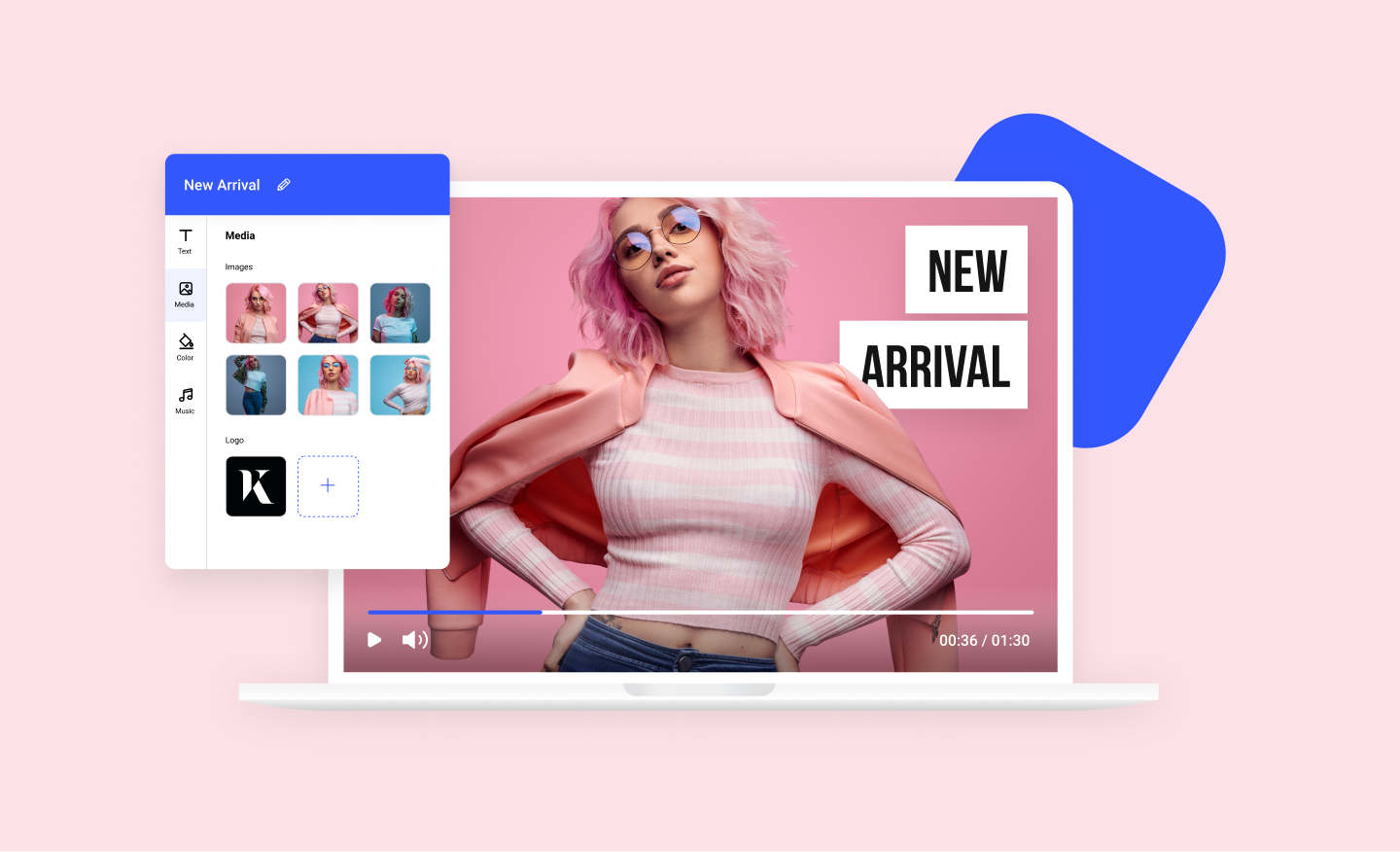
Any image can now become a dynamic video using our photos to video maker. Add your photos to any of our scroll-stopping video templates and watch your images come to life.
Free Image Resizer
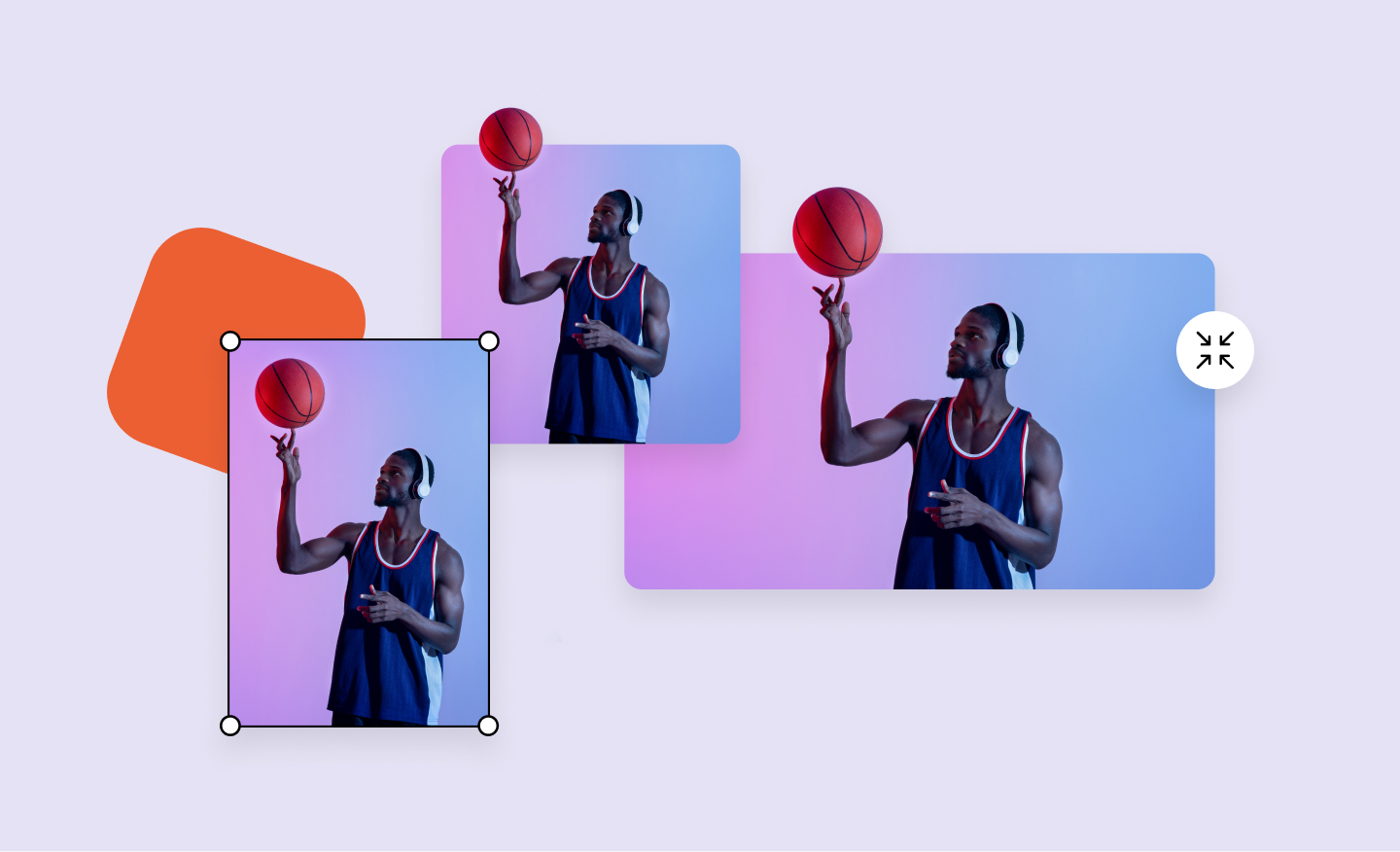
Our powerful image resizer will change the dimensions of your image for over 100 web and social media formats in a click. Wow your followers with perfect-looking photos.
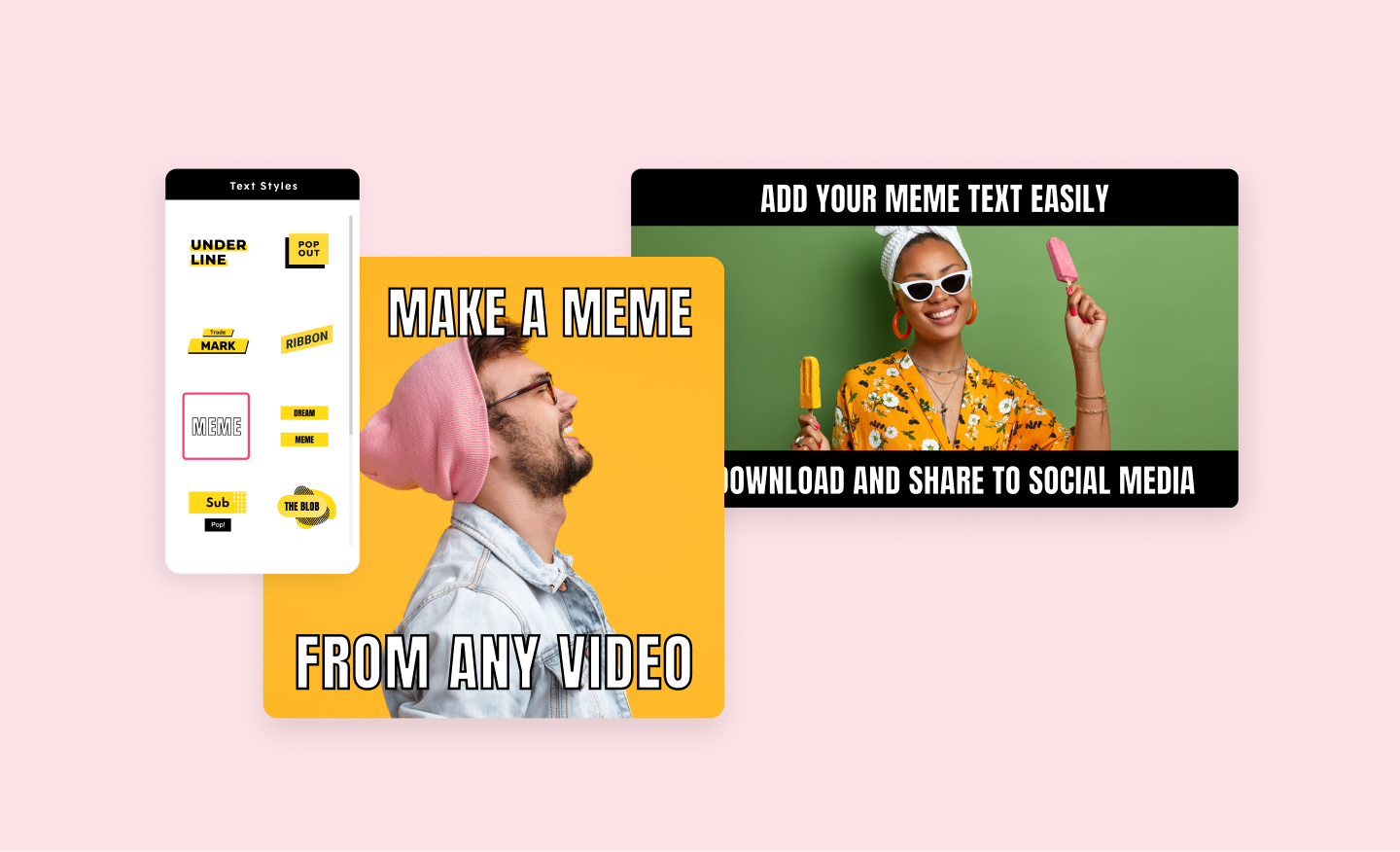
Meme Maker
Promo's video meme generator will help you create the funniest video memes in minutes. Use your own images or choose from our vast library. Add your choice of text and you are ready to be viral.