Add Text to Video
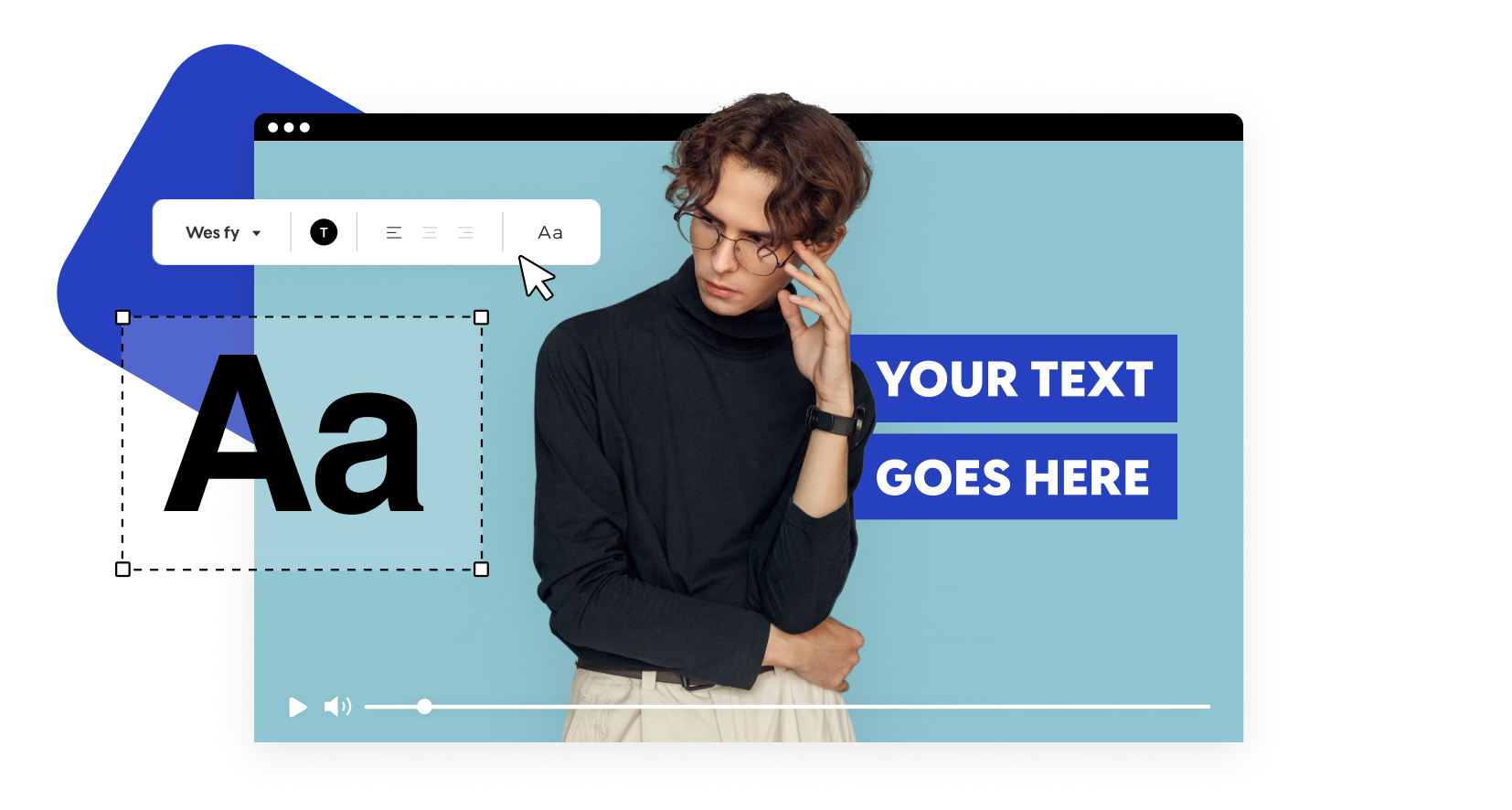
Enhance any video with your choice of text, subtitles and captions. With our online video editor – it’s easy and fast.
Our partners

Add Text to Video
Try it nowTell a Visually Compelling Story
Video advertising is best suited in a busy and hectic digital era when text is used in an engaging and understandable manner. Regardless of how you are selling a brand, interpreting a message, or producing content on social media, adding text to the video enables your audience to understand and connect with you immediately, without needing to use sound.
Promo.com has an online text-to-video tool that allows you to easily add stunning captions, subtitles, and animated text styles to your videos. No technical skills or download of software are needed.
All you need is to upload your video, customize your text, and create professional-looking content in a few minutes. Whether it’s marketing videos or GIFs and branded images, text added to regular footage makes it a compelling storytelling tool that serves as an attention-grabbing and engagement-inducing tool.
Enhance any video with your choice of text, subtitles, and captions. With our online video editor – it’s easy and fast.
We’ve made adding text to video both easy and creative with Promo.com’s Text to Video online tool. Improve any video immediately with our endless creative options, including custom-created animated text styles and beautiful fonts.
Fully Customizable
Get creative with our online text to video editor. Choose from a selection of unique animated text styles, color options, and fonts. You can even upload your own brand font for a fully personalized look.
Outstanding Results
Our text to video tool will allow you to add text in an optimal way. Choose the timing for each caption, adjust the position of the text, and change the colors and font sizes as much as you like.
Even Add Text to GIF
Not just for videos! Use our add text to video tool to also create short GIFs and expand your business’s creativity. Add text to GIF in just a few clicks.
No Installation Required
Forget about those tiresome downloads. Our all-in-one video editor will be available straight in your browser, no installation necessary.
How to Add Text to a Video Online

Upload a video
Upload your footage to Promo or choose footage from millions of videos in our visual library.

Add Text to Your Video
Click on “add caption”. Write in your content and choose a font and color that suit your style.

Download & Share
Once you’ve finished adding text to your video, click on Save & Preview and then on Download. Just like that, your video is ready to captivate your audience.
Why Add Text to Video?
Branding Done Right
No video is complete without the right captions. Make your message clear and generate the right leads for your business.
Increase Engagement
If you want to grab your audience’s attention and keep it, you’ll need a mix of visuals. That’s where video editing comes in – add text to video or even add text to GIF! Captivate the attention of your future customers with different kinds of content combined for a bigger impact.
Write What You Want
When you add text to videos online with our free tool, take the opportunity to highlight the messages you know match your user’s intent or need. Get leads faster and more efficiently.
Benefits of Adding Text to Video Content
Adding written elements to visual media plays a critical role in modern digital communication. When creators use a professional video editor add text, they gain greater control over how messages are delivered, interpreted, and remembered. Text enhances clarity, supports storytelling, and ensures your message remains visible even when sound is muted — a common viewing behavior on social platforms.
Strategic text placement helps guide the viewer’s eye and reinforces important points. Headlines can introduce ideas, subtitles can provide context, and call-to-action overlays can drive conversions. When done correctly, text becomes part of the visual narrative rather than a distraction.
Key advantages include:
- Better access to a variety of audiences.
- Increased ability to remember key messages.
- More watch time and interaction.
- Obvious organization of longer videos.
Creators can now add text to video online free using modern tools and do professional editing without technical knowledge. This gives it the flexibility to facilitate quicker content creation with uniform quality.
When text integrates smoothly with visuals, it strengthens branding and ensures communication remains intentional. Rather than relying solely on visuals, text-enhanced videos provide balance — helping audiences understand, remember, and respond more effectively.
Converting Simple Videos into Marketing Assets.
Marketing videos are most effective when there is a balance between clarity and creativity. With the help of a text video maker online, the brands are able to turn simple videos into well-organized, objective content. Text allows the business to emphasize features, describe advantages, and direct the viewers to targeted actions.
Rather than bombarding the audience with facts, effective videos rely on short sentences, animation, and clear typography. This is a good strategy that enhances flow and monitors attention during the video.
Effective marketing videos usually feature:
- Introduction of animated titles
- Highlighting text in the middle of the scenes about the major advantages
In text on video online, creators have the ability to control timing and positioning in order to pace. This makes messages sound deliberate as opposed to hurried.
To achieve dynamic movement in videos, many businesses like add animated text to video features that are aligned to the modern design trend. These animations are personalized and do not divert attention.
When text and visuals work together, even short videos can communicate value quickly. This makes text-enhanced videos one of the most efficient formats for digital advertising, social promotion, and product storytelling.
Creative Freedom Through GIF and Short-Form Content
Short-form visuals thrive on speed, emotion, and clarity. When creators add text to a GIF, they turn simple loops into expressive communication tools. Text helps GIFs deliver humor, reactions, or branding in seconds.
Using a reliable GIF editor and text solution ensures readability without disrupting motion quality. Text must be to the point, tactical, and in line with the loop to achieve maximum impact.
Popular uses include:
- Branded social replies
- Promotional micro-ads
- Instructional loops
- Meme-style content
GIF meme creation tools that add text enable the brands to remain relevant in the trending conversations. In the meantime, users who need a simple tool would enjoy the add caption to a GIF option that only takes a few clicks.
Text-based GIFs are highly shareable and load quickly, making them ideal for messaging platforms and social feeds. When used strategically, they strengthen engagement while keeping production time low.
From Written Ideas to Automated Video Creation
The rise of automation has changed how videos are produced. With tools that generate video from text, creators can transform written concepts into dynamic visuals without filming. This approach is ideal for marketing, education, and content repurposing.
Using text to video generator technology, platforms automatically match text with animations, transitions, and layouts. This significantly reduces production time while maintaining visual quality.
Creators can also rely on text to video app solutions for fast editing and publishing across platforms. These tools make video creation accessible even for beginners.
Many workflows now support text to video online, enabling users to create professional content directly in the browser. For those working with design platforms, features like Canva text to video help maintain consistent branding.
As automation improves, text-driven creation allows ideas to scale faster — turning words into compelling visuals with minimal effort and maximum impact.
What Our Clients Say
Frequently Asked Questions
How can I add text to my video?
To put text on a video, you need to first upload your video to an online video editor. As soon as the video is loaded, choose the text/caption option and write your message. After that, you are able to select an appropriate font, color, and size that suits your video.
The majority of editors also provide you with the opportunity to place the text on any part of the screen and determine the time when it will appear and disappear. Having checked your edits, export the final video in any format you want, and post it on various platforms.
How can I add text to a video online for free?
How to add text to video for free:
- Visit Promo.com
- Upload Video
- Insert Captions and Download/Share
How to add text to a GIF?
To add text to a GIF, upload the file to a GIF editor that supports text overlays. After uploading, enter the text you want to display and place it where it remains visible throughout the loop.
Choose a readable font and contrasting color to ensure clarity. You can adjust the duration of the text to match the GIF timing. Once complete, export the updated GIF and use it on social media or messaging platforms.
How to add meme text to a video?
Adding meme text to a video involves using bold, highly readable fonts and placing text at the top or bottom of the frame. Upload your video, type the caption, and keep sentences short for maximum impact.
Timing is important — the text should appear exactly when the visual moment occurs. After previewing the result, export the video in a format suitable for sharing on social platforms.
How to add text in Promo.com?
To add text in Promo.com, open your design or video project and click on the text option from the editor panel. Choose from heading, subheading, or body text styles, then type your content. You can customize font, size, color, spacing, and animation.
Promo.com also allows you to adjust timing for video text, helping your message appear smoothly and professionally within the design.
Create any video for your business with Promo
If you’re looking at how to add text to a video, we’ve got your back. However, there’s much more to do on Promo.com. Explore our collection of online tools and start creating better videos.

Explore More Online Tools
Photos to Video Maker
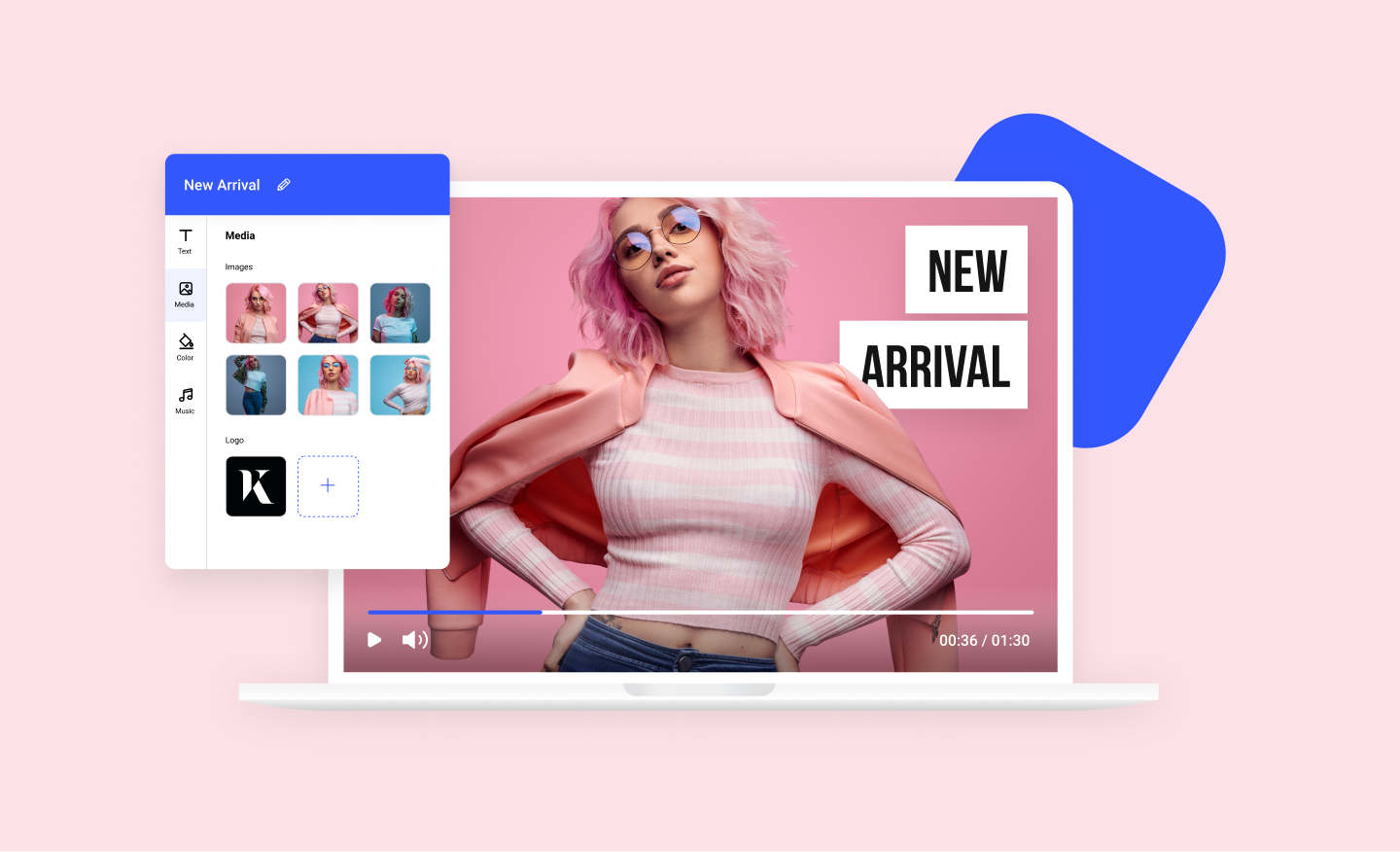
Any image can now become a dynamic video using our photos to video maker. Add your photos to any of our scroll-stopping video templates and watch your images come to life.

Free Image Resizer
Our powerful image resizer will change the dimensions of your image for over 100 web and social media formats in a click. Wow your followers with perfect-looking photos.
Online MP4 Editor
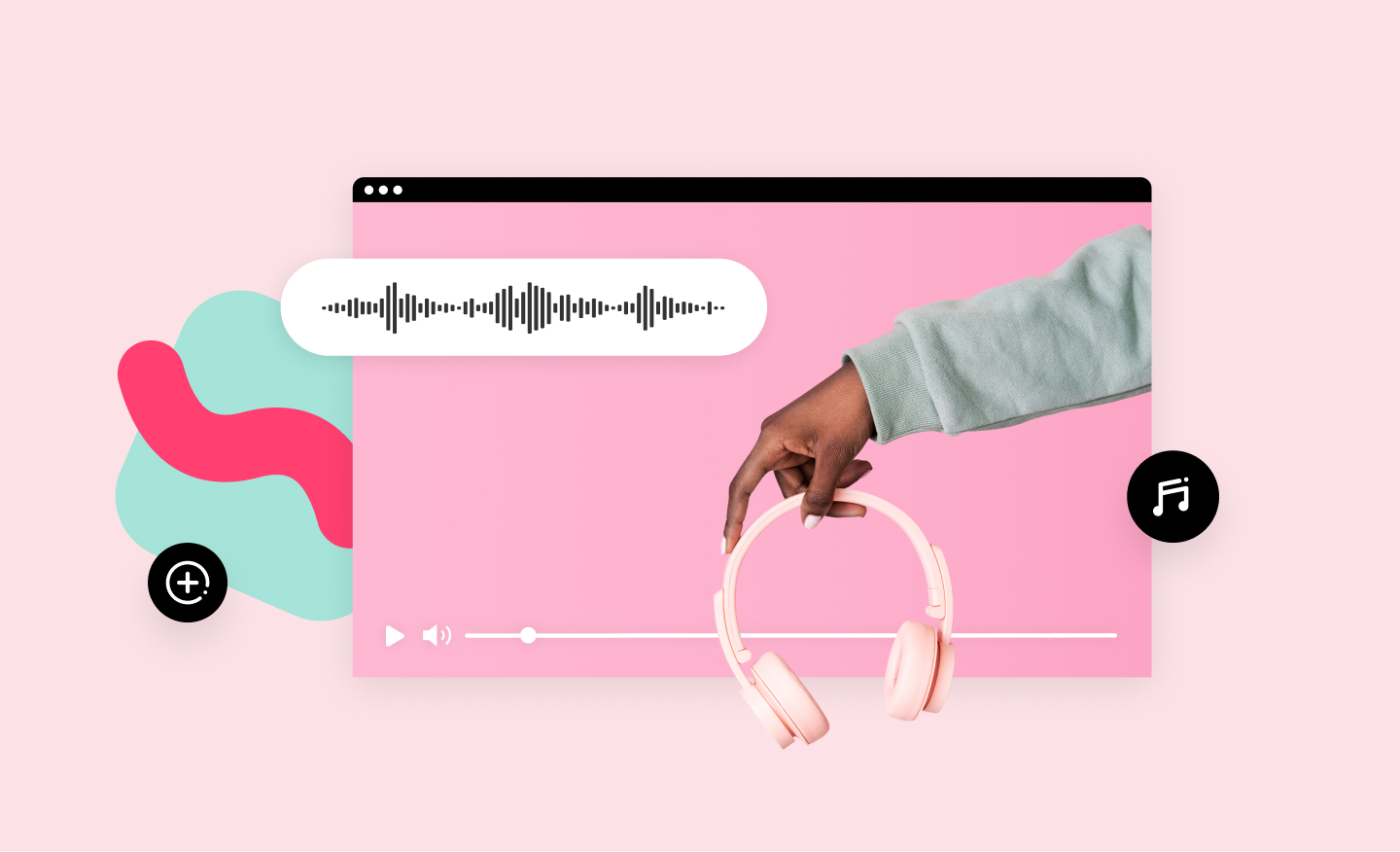
Create stunning videos and edit your MP4 video files online. Using our MP4 editor you can add your own text, music, and logo. No installation required.
Meme Maker
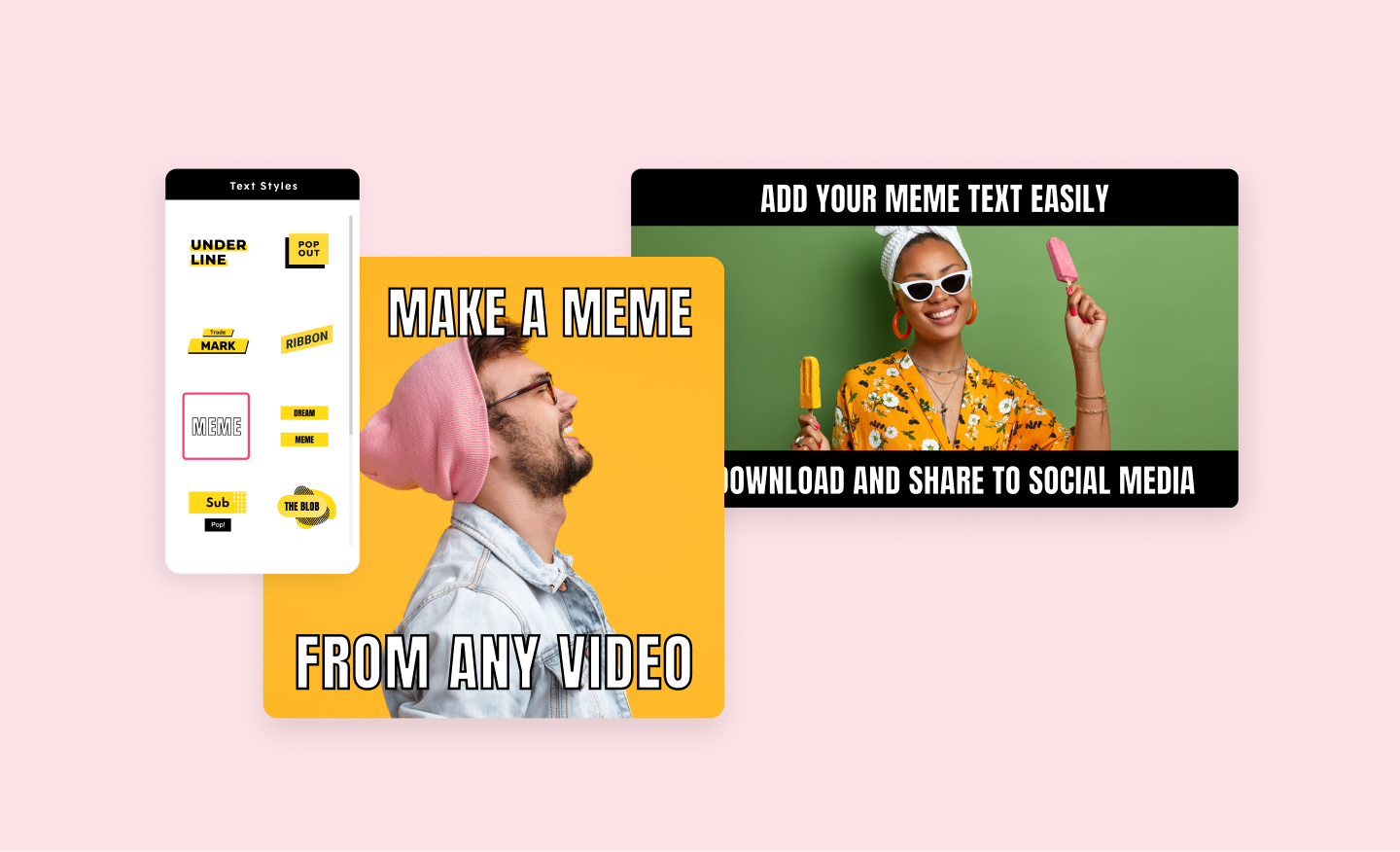
Promo's video meme generator will help you create the funniest video memes in minutes. Use your own images or choose from our vast library. Add your choice of text and you are ready to be viral.