Add Audio to Video
Add audio to video in minutes today. Promo.com lets you add audio to video online without installation or editing experience, making it simple to enhance video audio with music, voiceovers, or sound effects for promotions, social media, and marketing videos.
Our partners

Add Audio to Video
Add audio nowAdd Audio to Video in Minutes
At Promo.com, we’re always adding new features to make your video editing experience as exciting and creative as possible. With our audio-to-video editor, adding audio to your video is easy and free. Choose your own sounds or pick an audio file from our award-winning library with over 1000 pre-approved tracks.
Whether you want to merge audio and video, add voiceover to video online free, or experiment with background music, Promo.com helps you sync audio and video seamlessly so your content feels natural, polished, and professional.
Upload Audio to YouTube Video
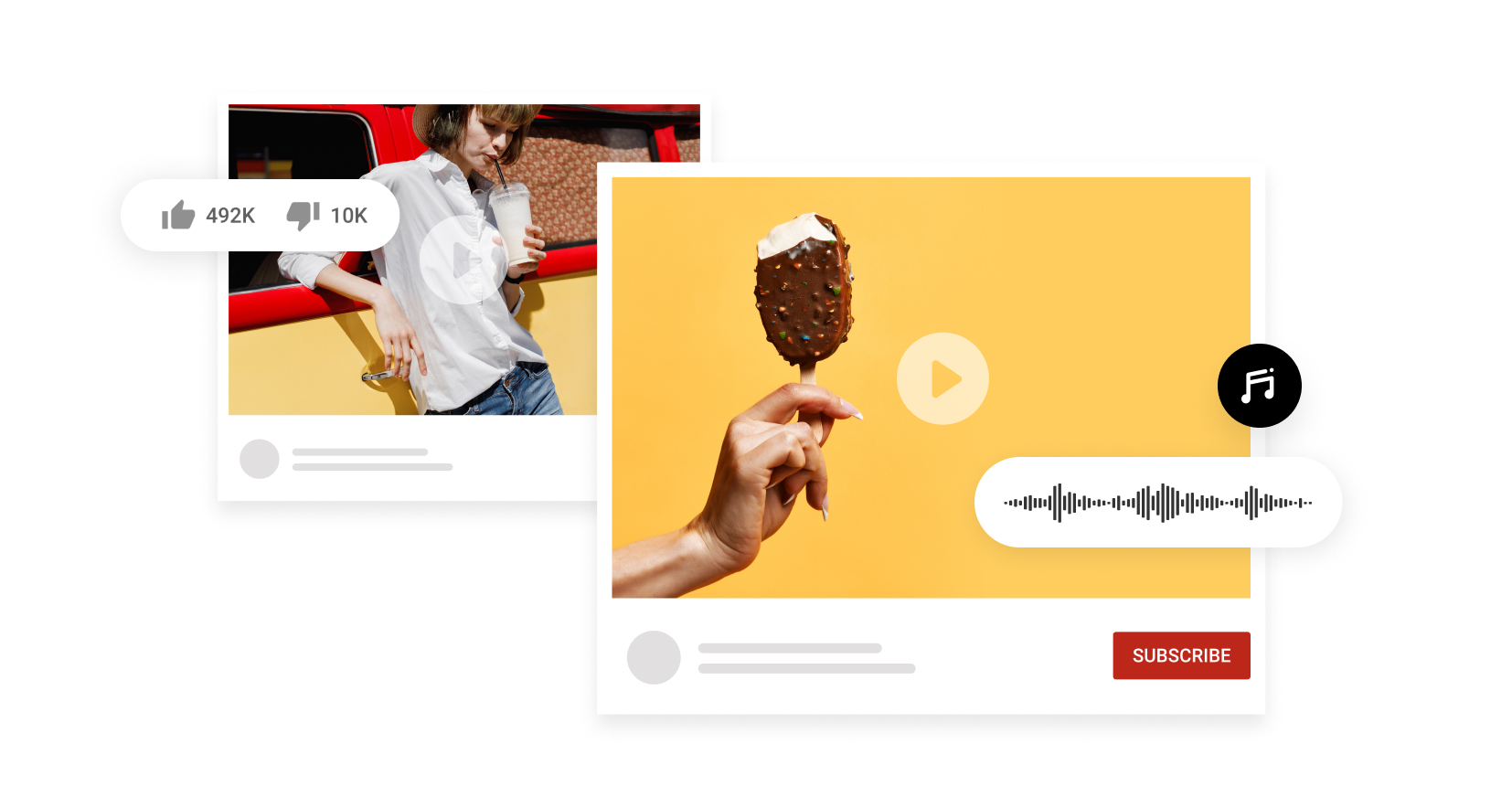
Background music is always a great addition to any video. When you add audio to a YouTube video, you’re creating an emotional connection with your audience – increasing brand loyalty and potential leads.
With Promo.com, you can easily upload audio to YouTube, fine-tune your video audio, and prepare content that’s ready to publish. This makes it simple to add audio to a video on YouTube before uploading, ensuring your sound and visuals stay perfectly aligned.
Remove Audio from Video
Our video editor allows you to swap out the current audio of a video with newly uploaded audio. You can easily try multiple music backgrounds on the same video to see what moves your audience the most.
This flexibility makes Promo.com a practical video sound editor online free, allowing you to remove unwanted video audio, apply an audio overlay, or fine-tune sound elements before you sync audio and video for the best final result.
Power your videos
With easy-to-use editing software, you can improve your videos’ quality as much as you desire. Adding audio to video is just the start. Choose text styles, fonts, and even add your own logo.
Promo.com supports complete audio video enhancement, letting you add sound effects to video, fine-tune video audio, and create polished content for promotional video production. This makes it easy to produce engaging videos for marketing, social media, and video promotion without complex tools
Trim Your Track
For the perfect result, our audio-to-video online maker allows you to edit and trim your track as much as you like. Time the captions accordingly by choosing your favorite font and enjoy the beautiful outcome.
Precise trimming helps you sync audio and video accurately, ensuring smooth audio sync from start to finish. Whether you’re working with music, voiceovers, or effects, Promo.com makes it easy to fine-tune timing so your sound and visuals stay perfectly aligned.
Add Subtitles and Sync Audio with Video
Clear audio is powerful, but pairing sound with text takes accessibility and engagement even further. With Promo.com, you can easily sync audio and video while timing captions precisely, making it simple to learn how to add subtitles to a video without extra tools.
Accurate audio sync ensures your voiceovers, music, and captions stay aligned, helping viewers follow along even when watching on mute. This is especially useful for social media, tutorials, and marketing content where clarity matters.
How to Upload Audio to Video
This process is designed to be quick and intuitive, allowing you to add audio to video online without technical steps. Whether you’re working with music, voiceovers, or sound effects, Promo.com helps you complete the task in just a few clicks.

Import a Video
Upload your video to Promo.com straight from your browser or choose from our materials. This gives you a clean starting point to add audio to video free online and begin building engaging content.

Add Audio to Video Online
Upload any audio file from music tracks to voiceovers and tweak it to suit your needs – you can also use royalty-free music from our extensive audio library.
This step allows you to merge video and audio online, apply a smooth audio overlay, and sync audio and video online free so everything feels natural. Whether you’re adding background music or narration, Promo.com helps you keep sound perfectly aligned with visuals.

Download & Share
Save your work to the cloud or download it to your device. Share instantly to your social channels at any time.
Once your audio and visuals are finalized, Promo.com lets you sync video and export content that’s ready for publishing. Whether you’re creating a promotion video, a service promo video, or content for social platforms, downloading and sharing your finished video is fast and hassle-free.
Why Use Promo’s Music to Video Editor
Promo.com gives you the flexibility to create professional videos without complexity, combining creative tools with simple workflows for faster results.
Creative freedom
Not only can you add and remove audio from your videos, but our free tools also include a video-to-GIF maker, a free collage maker, an image resizer for all social platforms, and so much more.
This creative flexibility makes Promo.com useful for projects like add music to GIF, add audio to GIF, or creating a GIF with music when you want lightweight, engaging visual content.
Easy-to-use
No previous video editing experience?
No problem. Our online video editor was built to give professional results for non-professionals. Adding audio to video is as simple and intuitive as you’ve always dreamed it would be.
With Promo.com, you can add music to video online, use a simple video audio mixer, and work with a video sound editor online free that helps you create polished content without a learning curve.
Optimized for Sharing
Looking to share your videos across several social media platforms, but worried about the different specs?
Don’t! When you add audio to video online using our free tool, choose between square, vertical, and wide video ratios for complete optimization with a single click.
This makes Promo.com ideal for video promo online workflows, helping you prepare content for video promotion, social feeds, and marketing campaigns without re-editing or resizing multiple times.
Create Podcast Videos and Promotional Content
Promo.com makes it easy to turn audio-first content into engaging visuals. Whether you’re working on a podcast to video project or need a simple podcast video editor, you can combine sound, visuals, and branding in one place.
This workflow is ideal for promotional video production, allowing you to create eye-catching clips for social media, campaigns, and video promo online efforts. From interviews to announcements, Promo.com helps you transform audio into share-ready promotional videos.
What Our Clients Say
Frequently Asked Questions
How to add audio to YouTube video?
Discover how to add music to a YouTube video. The key is using the best online video editor that doesn’t require any fancy skills. With our tool, you can add audio to YouTube video before uploading it to your favorite platform.
Promo.com lets you upload audio to YouTube, sync sound with visuals, and prepare your content so it’s ready to go live. This makes it simple to manage video audio and ensures your sound stays aligned when you upload audio to YouTube video content.
How to upload MP3 to YouTube?
The process doesn’t change – our video editing software accepts a wide range of formats. Simply upload your audio, select it to add to your video, and download!
With Promo.com, you can convert audio to video, merge audio and video, and prepare your file so it’s ready for upload. This makes it easy to turn music or voice recordings into video content for YouTube, podcasts, or promotional use.
How to remove audio from video?
Hover over your video timeline and click EDIT. Next, click ‘MUTE,’ and then you can make the choice of adding your own audio or choosing one of our royalty-free music tracks from our extensive audio library.
This makes Promo.com a flexible video sound editor online free, allowing you to remove unwanted video audio, apply a new audio overlay, or prepare your clip for fresh narration before publishing.
How to add audio to video?
Simply upload your desired track, and click USE when hovering over it in your upload library. It’s so easy to learn how to add audio to a video with Promo.com – just a few clicks, and you’re done!
You can add audio to video online for free, merge video and audio online, and sync audio and video precisely so your sound matches every frame. Promo.com makes the process smooth, whether you’re working on marketing clips, tutorials, or social content.
The power of video at your fingertips
If you’re looking to add audio to your video, we’ve got your back. However, there’s much more to do on Promo.com. Explore our collection of online tools and start creating better videos today.

Explore More Online Tools
Promo Video Maker
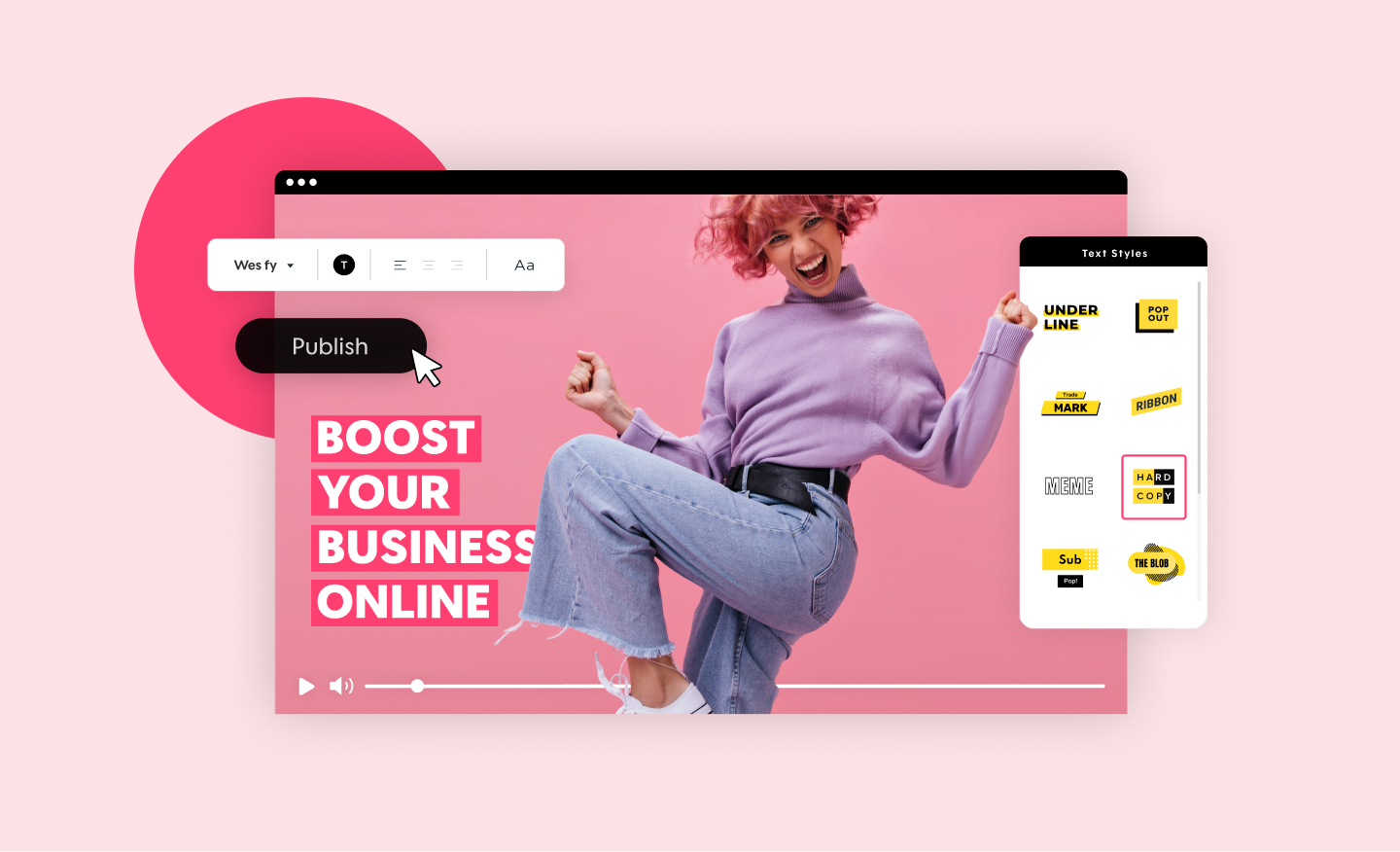
Create a standout video for your company or business in minutes. Choose videos, images, and music from our premium stock library or upload your own for a professional and impactful result.
Photos to Video Maker
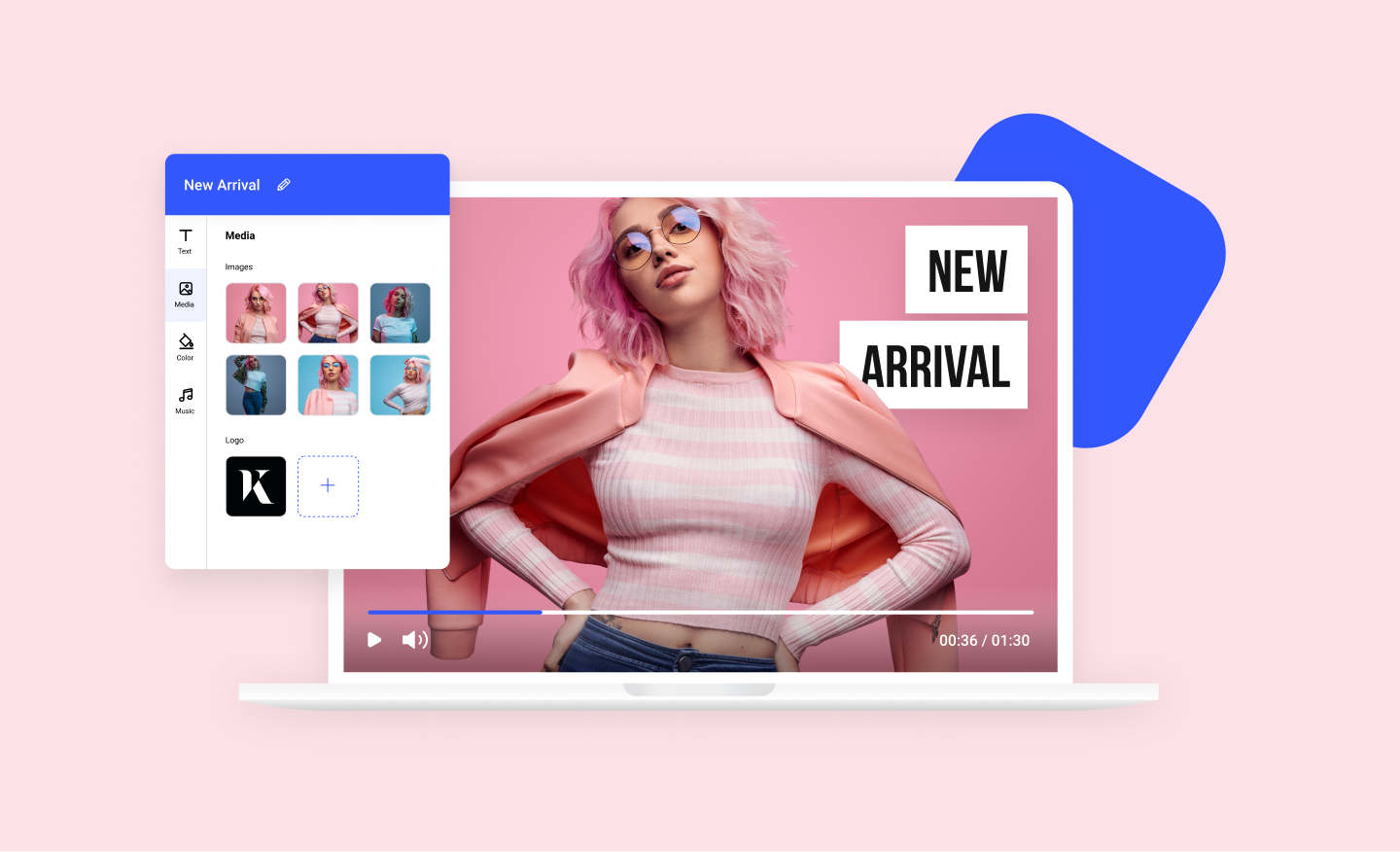
Any image can now become a dynamic video using our photos to video maker. Add your photos to any of our scroll-stopping video templates and watch your images come to life.
Video Editor for YouTube
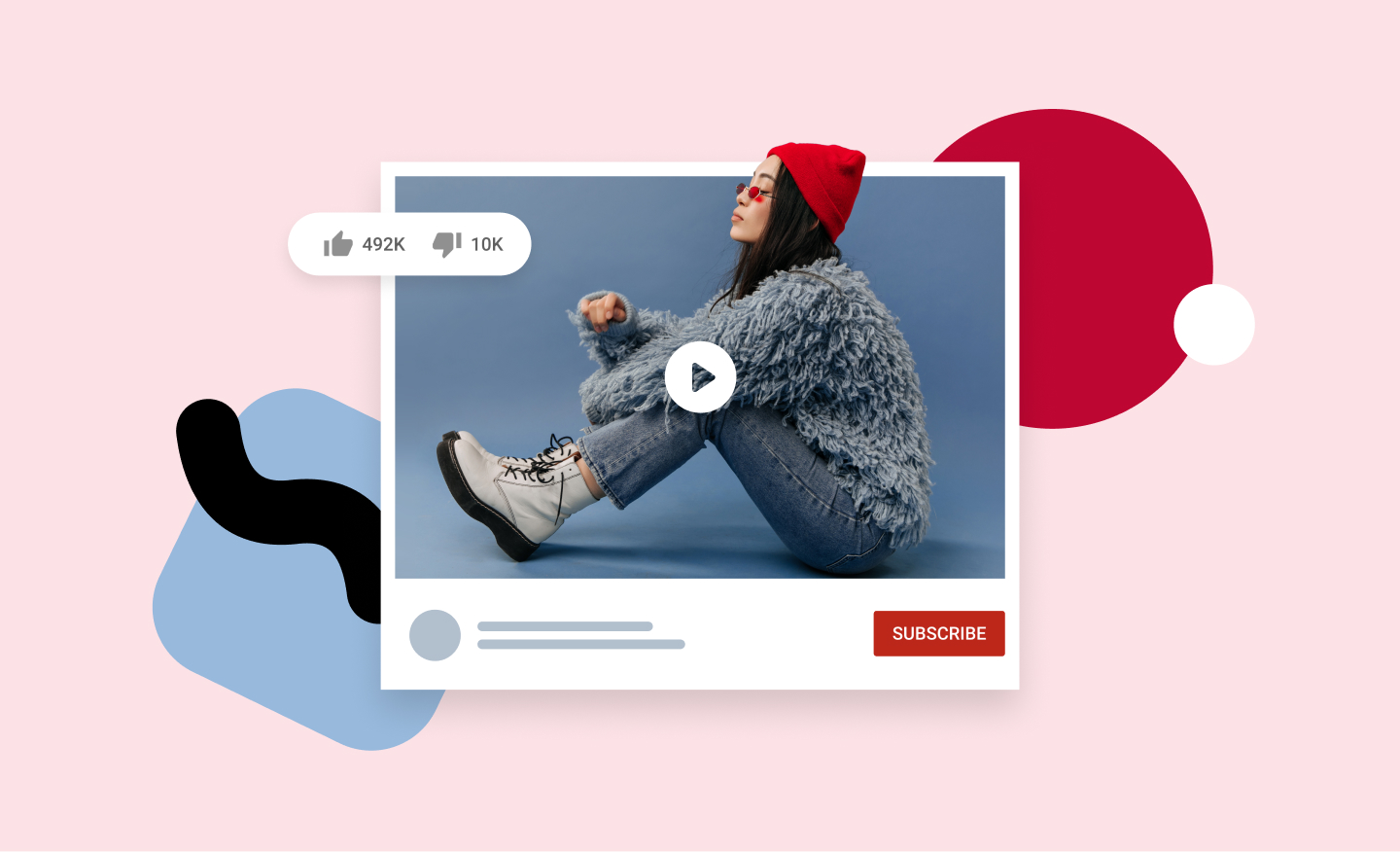
YouTube Video editor from Promo.com. Take your YouTube videos to the next level with our online video maker. Easily create, edit and trim YouTube videos in minutes!

Video to GIF Maker
Your business will be cruising above the competition once you start using custom-made GIFs. Choose from millions of videos, be unique and stand out with Promo's GIF Maker!