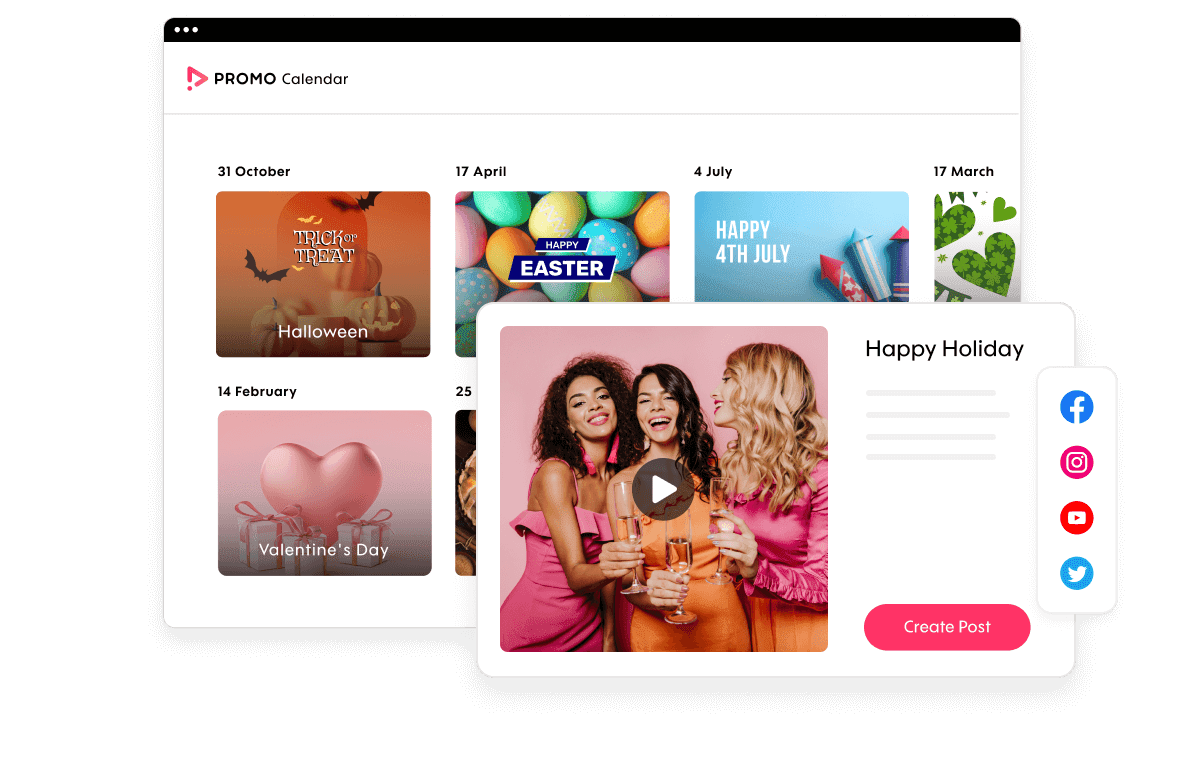


With Promo.com, you can create videos for:
- Video Ads
- Promo Videos
- Business Videos
- Product Videos
- Branding Videos
- App Videos
- Event Promotions
- Videos for Email Marketing
- Explainer Videos
- Company Videos
- and many more…
Edit videos fast with amazing results using our online video editor. No previous experience is required.
Try Video Editor FreeEdit videos fast with amazing results using our online video editor. No previous experience is required.
Try Video Editor Free





Edit or crop any video using practical video editing tools designed for speed and simplicity. Effortlessly edit videos online to the desired length in just a few clicks, without relying on complex editing software.


Edit videos online like a pro, no matter your experience. The best part – no software downloads are required. Promo’s free video editor is completely online! Easily trim, design, compress, and edit videos with features like adding subtitles and royalty-free music, adding your logo, resizing for social channels, and more.
Video editing doesn’t have to be complicated or time-consuming. If you’re wondering how to edit a video, Promo.com simplifies the process with easy-to-use video editing tools that guide you through each step. – here’s how:
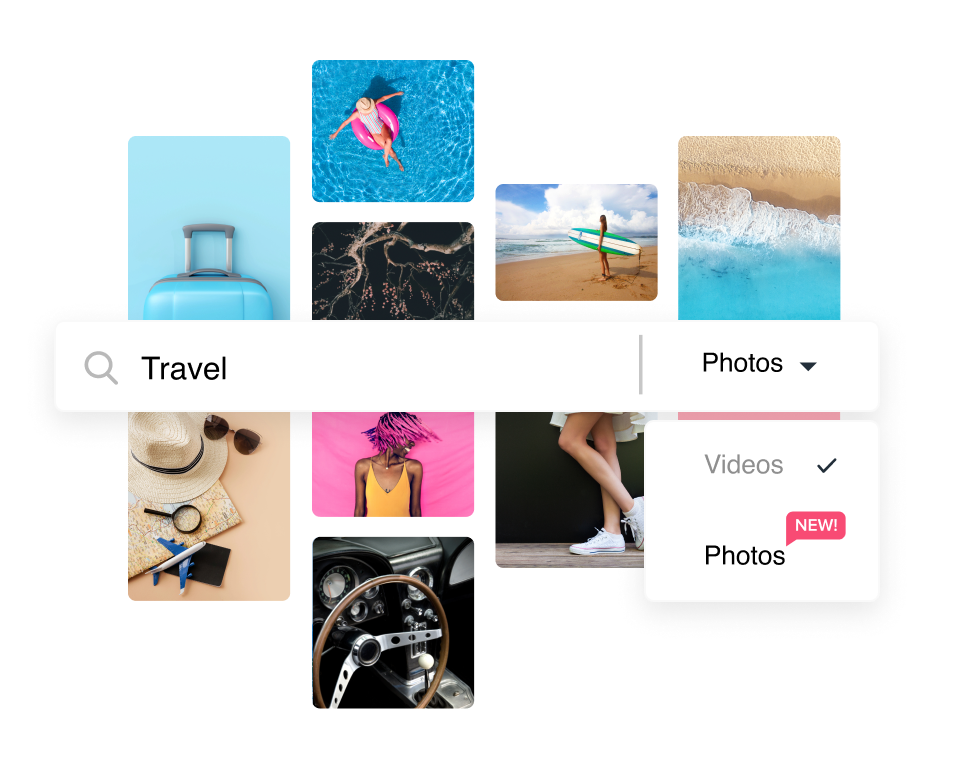
Upload any video to our online video editor or choose from our Getty Images and iStock libraries. You can easily find photos and videos by using the search bar. Find a clip you like, hover over it, and click “USE” to load it into our editor. To upload your own footage directly from your computer, just use the blue “Upload” on the right.
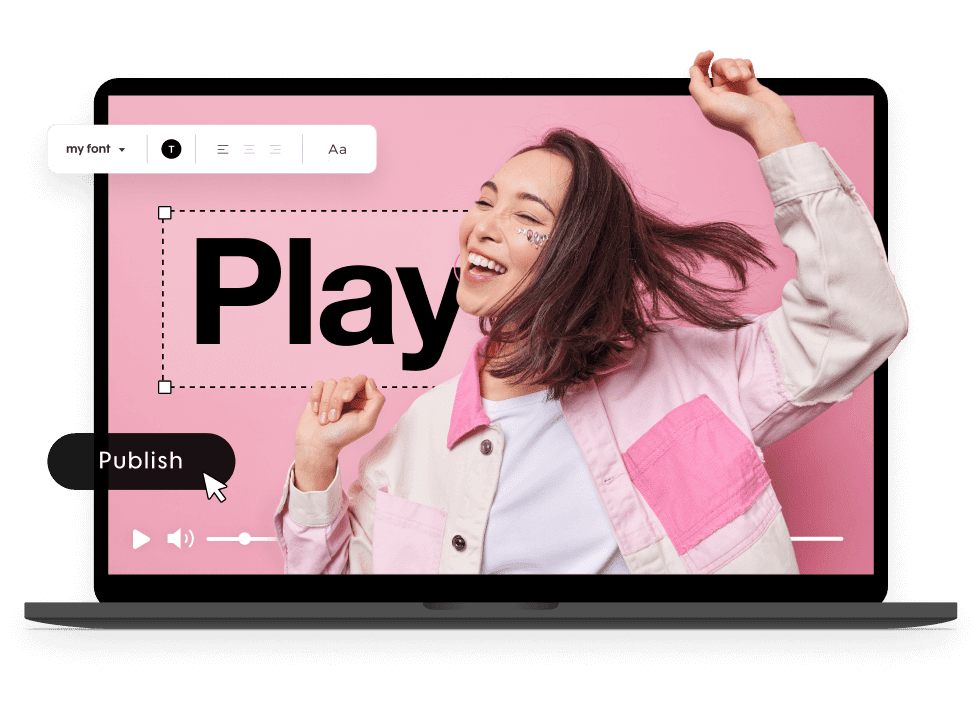
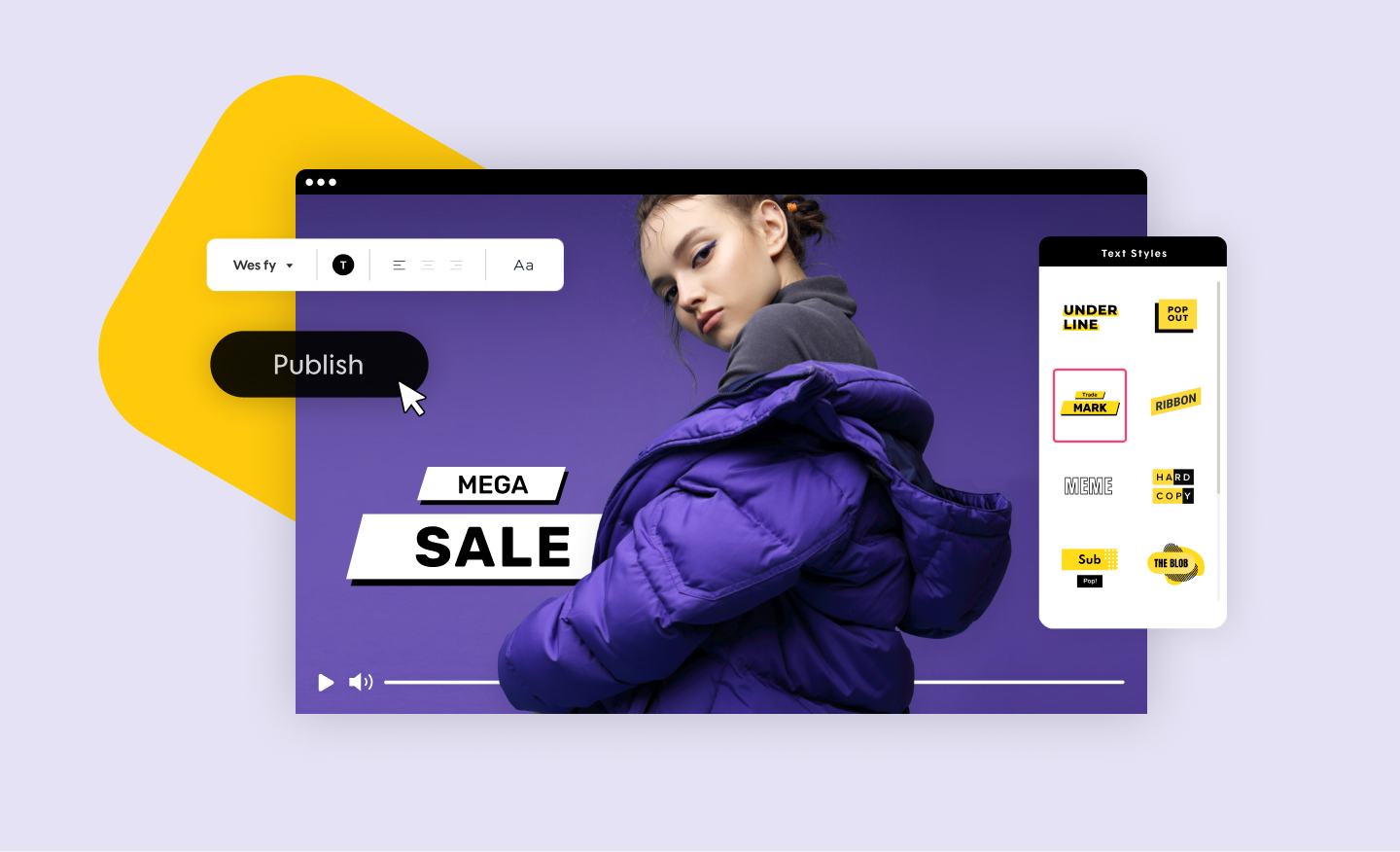
Easily edit videos in the editor. Combine clips, add text styles & transitions, or trim your video in just a few clicks with social media presets for that perfect fit. You can easily add “text video effects” by exploring the text design tools and choosing from fonts and colors that suit your style or match your brand.
Once you’ve completed your project, click on the ‘Save & Preview’ button in the bottom left corner of the page. Your video will then load and appear in the Publish Page for you to preview.
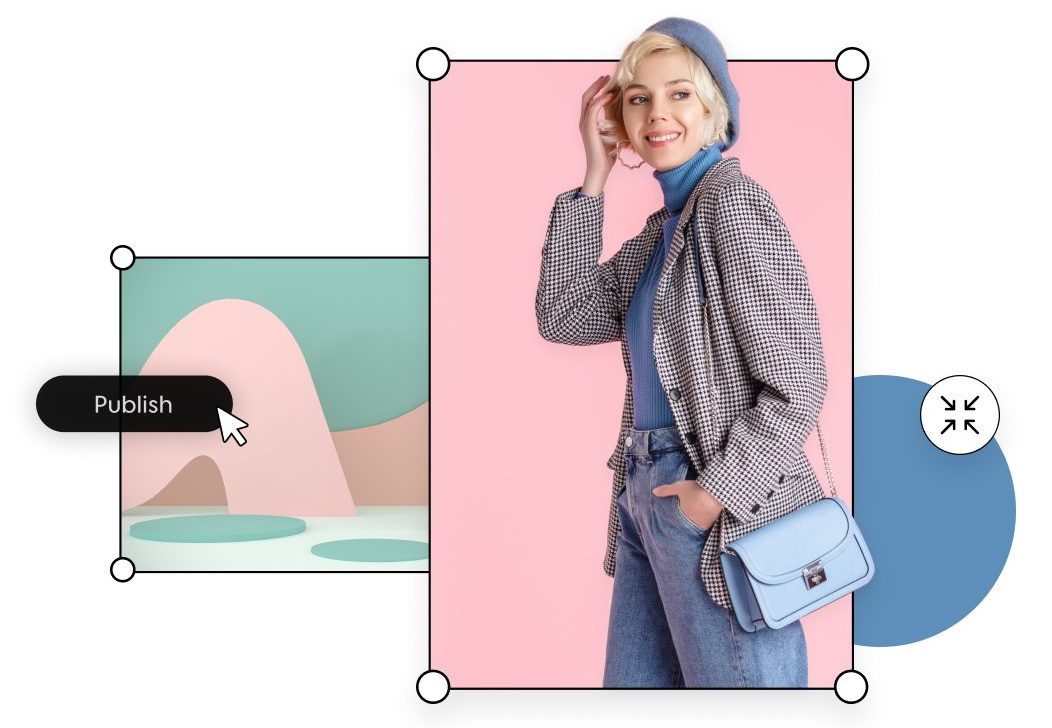
Our Publish Page offers a wide range of ways to share your video. You can download your project to your device, export it as a GIF or photo, embed it, upload it to Dropbox, Hubspot, Wistia, or Google Drive, share directly to social media, and so much more.
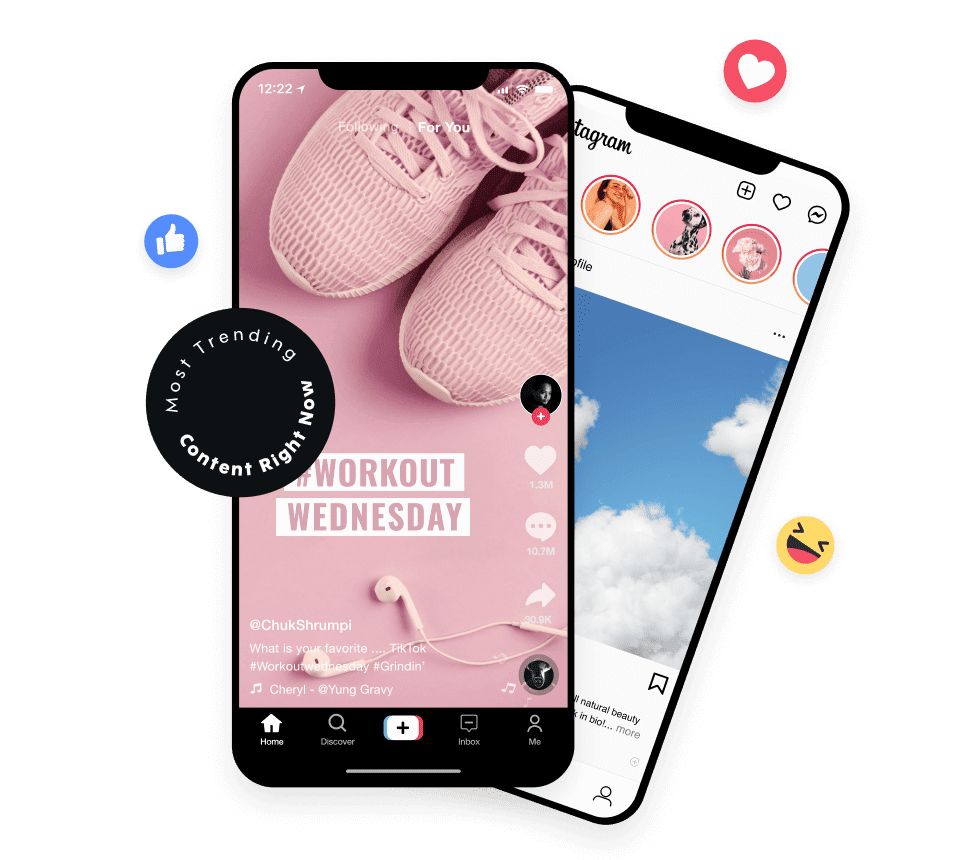
Promo.com includes Promo AI editor features that help streamline video creation and editing. With built-in AI video editor capabilities, you can speed up repetitive tasks, generate structured content faster, and simplify the process of turning ideas into visuals. This makes it easier to understand how to make AI videos without starting from scratch or learning complex workflows.
Using video AI, Promo.com assists with layout suggestions, media selection, and creative structure to support efficient video editing. These tools help produce AI generated video content suitable for marketing, social media, and business use, positioning Promo.com as a practical option among the best AI video generator platforms available online.
Promo.com helps businesses turn edited content into high-impact promotional video assets built for real-world video promotion. Whether you’re launching a campaign, supporting a product, or sharing brand updates, the platform makes it easy to create business promo videos and engaging video ads without complex workflows.
Check out Promo.com’s user-friendly features that put big-budget editing tools in your hands without the big-budget price
and more!
The importance of video marketing can’t be overstated in today’s market. This is especially true for small businesses seeking to compete with more prominent brands. Videos help achieve a greater reach, and social media platforms provide the space for that reach.
Promo’s online video editor can help with all of your video marketing needs. Of course, if you want to use your own footage, that is great. Still, Promo’s online video editor offers excellent pro editing tools, footage, and professionally designed ready-made templates to help you save time.
You can quickly create and edit your footage or a template in just a few clicks and have all your social media videos in one place. Here are just a few places we can help.
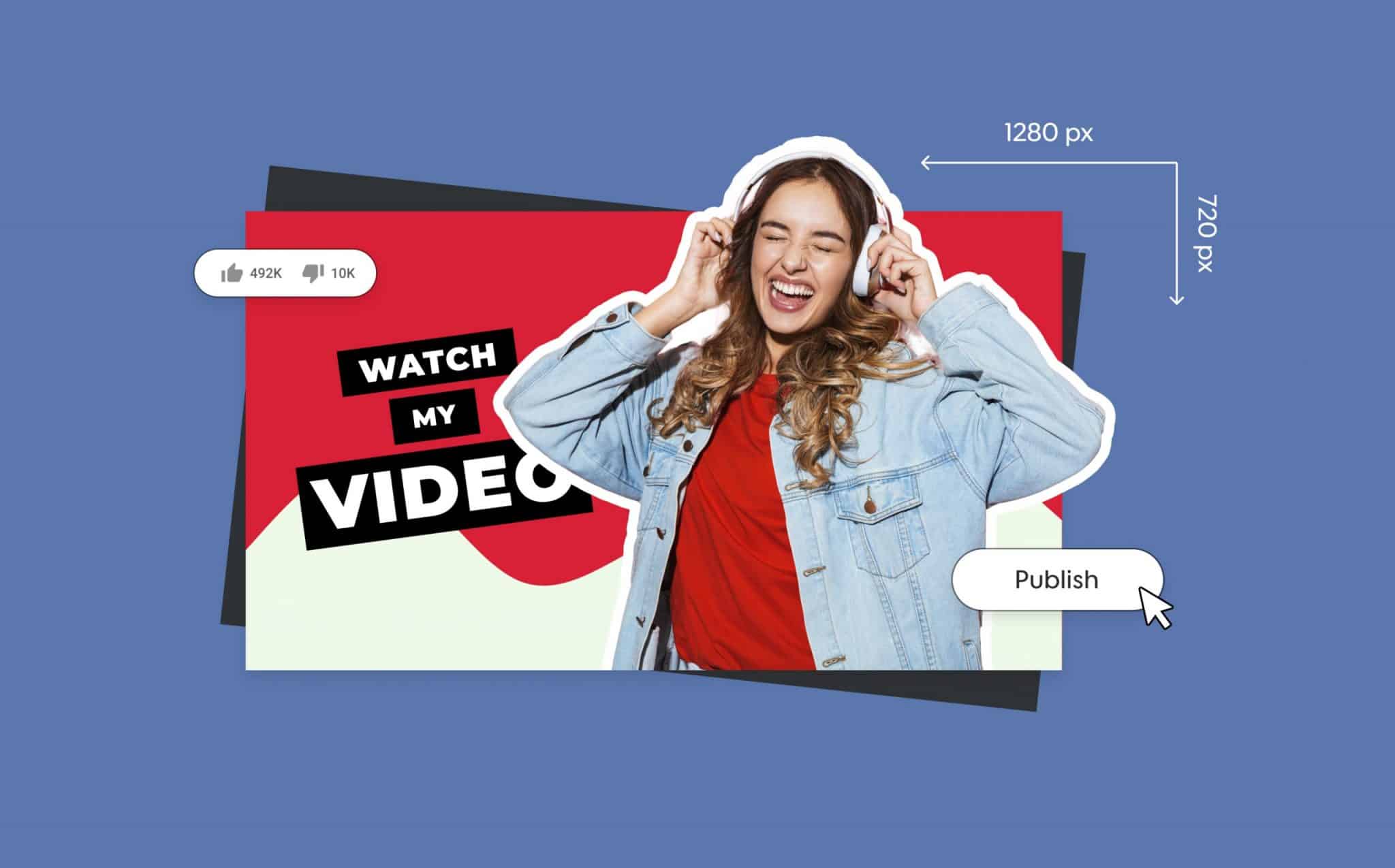
Edit any video for YouTube size and formats with our video editor. YouTube Shorts (YouTube’s version of TikTok) are becoming quite popular, and Promo’s online video editor can help.
You can easily share your Shorts video with a customized flair that makes your Shorts video stand out. Promo’s online video editor for YouTube gives you the option to upload your footage online or choose from our iStock and Getty Images libraries.
You can customize and design by adding text styles, color overlays, your logo, and more! You can even add pre-approved music to YouTube videos from our massive royalty-free audio library.
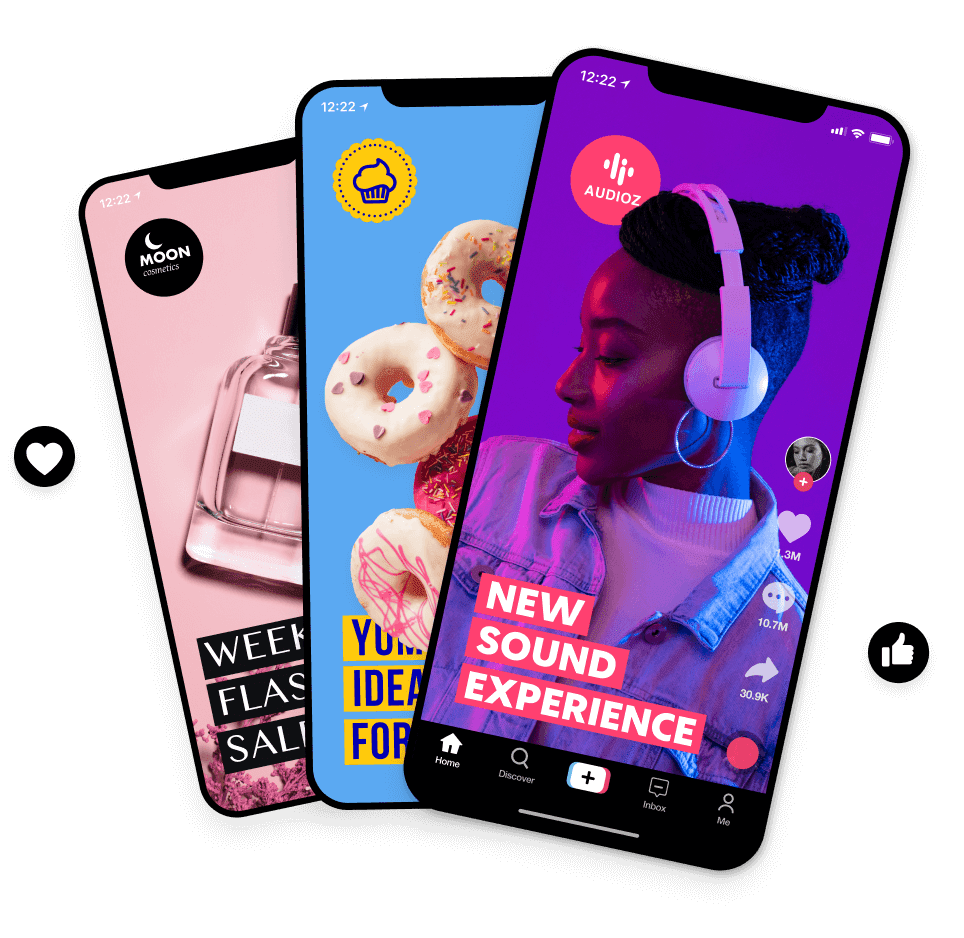
Promo’s online video editor is the perfect tool for TikTok videos. We have all your creative editing tools in one place to easily upload images, videos, and audio – all online! You can create TikTok videos at scale, like a pro, and with no TikTok watermark.
Our creative design tools can help your TikTok videos stand out, so they get noticed in the feed. Start generating brand recognition by standing out with customized videos with fantastic footage, captions, and more that grab your audience’s attention!
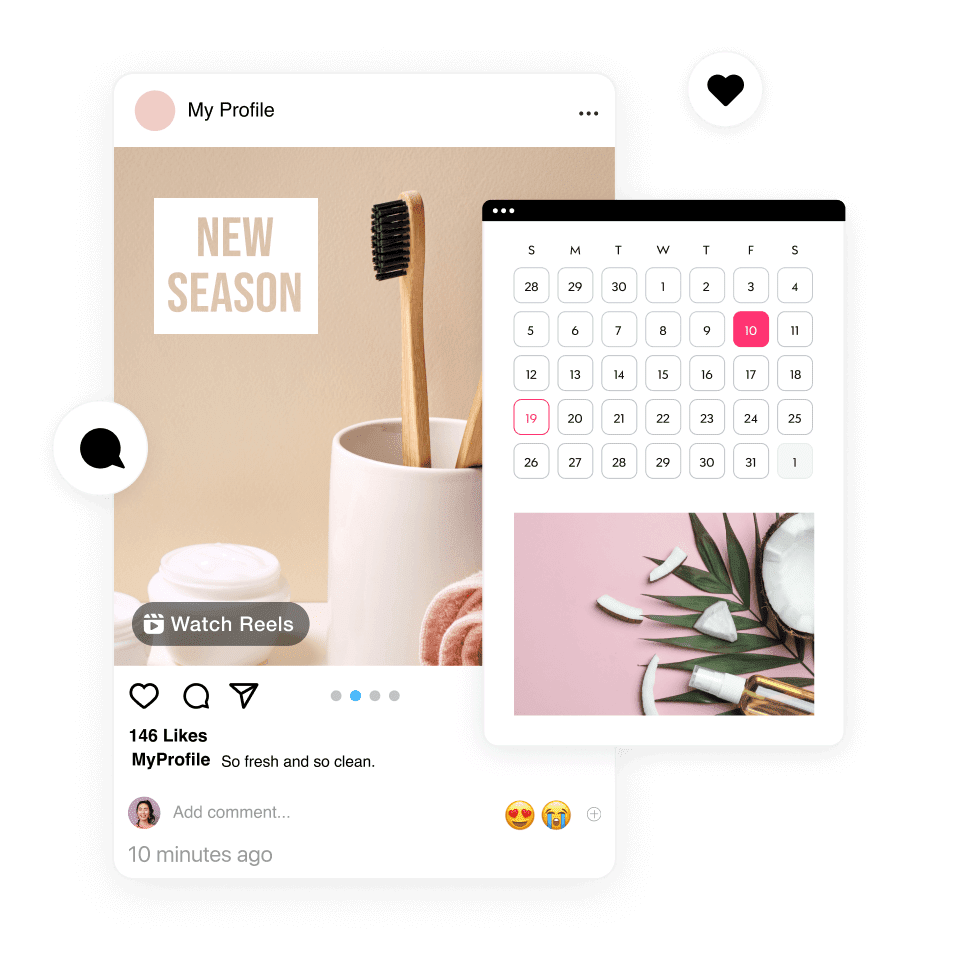
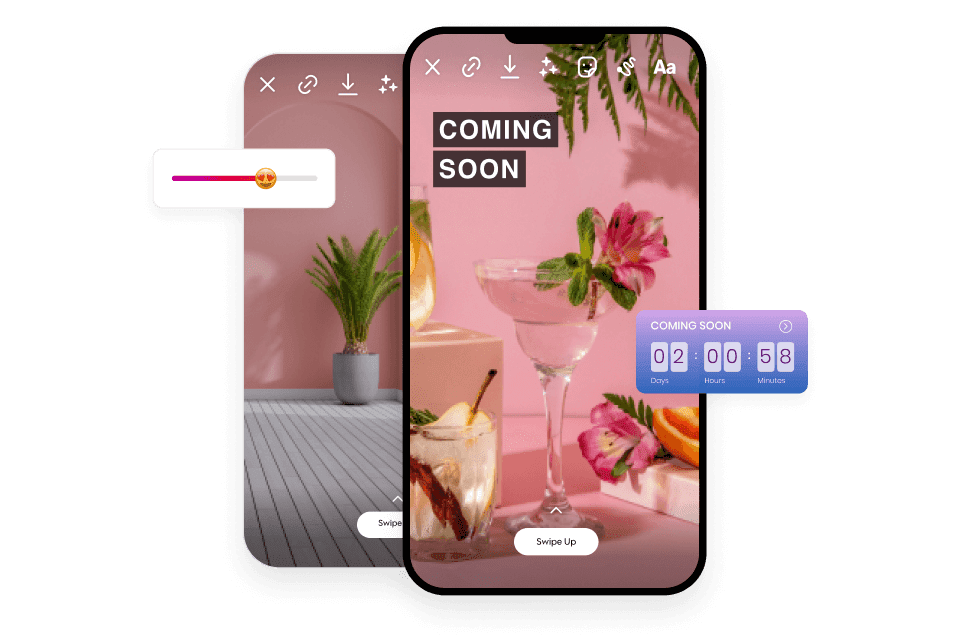
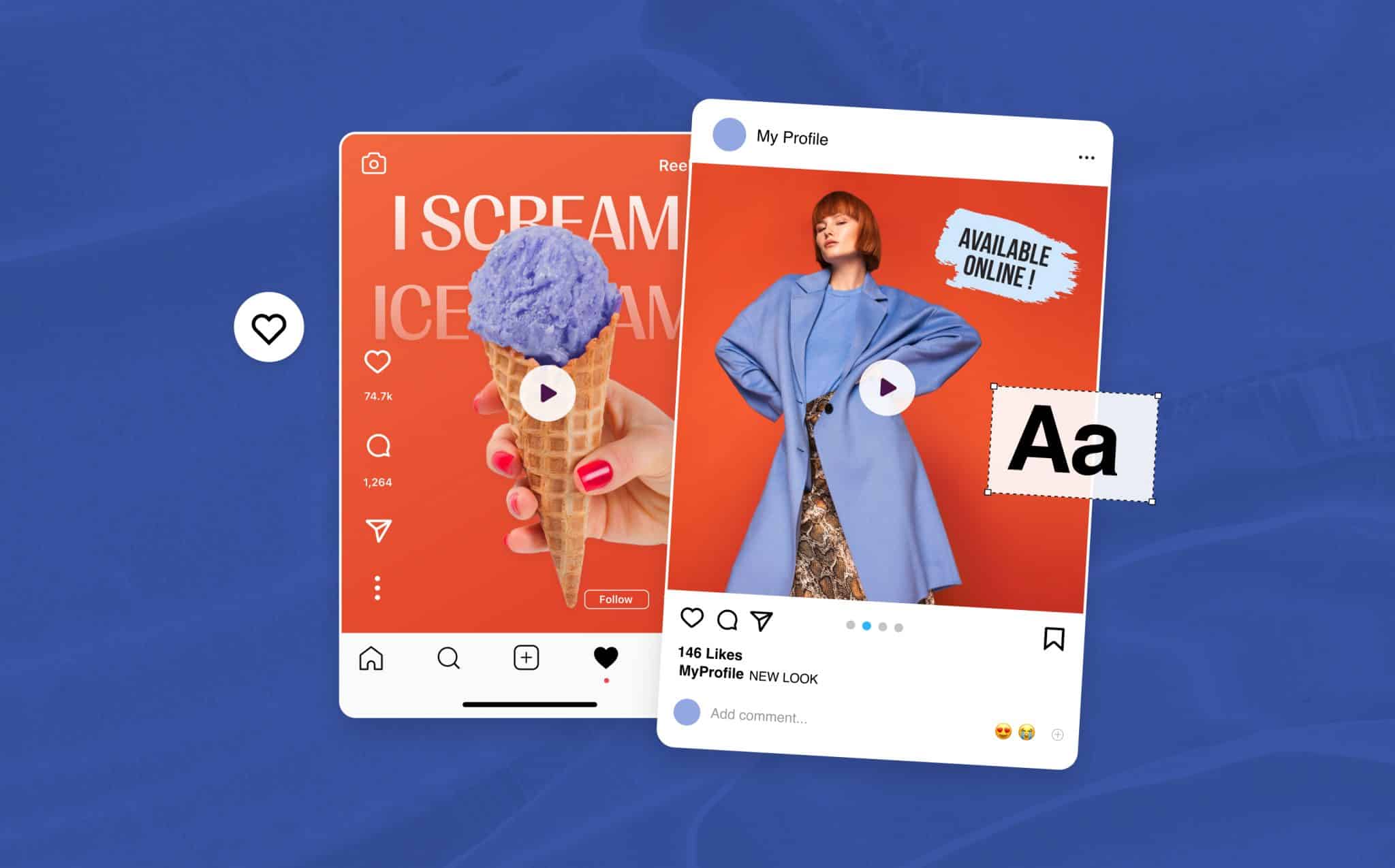
If you’re looking to edit videos for Instagram, we’ve got you covered. Promo’s online Instagram video editor gives you the power to resize your Instagram video for other social media platforms, export it as a GIF, and more. Easily stylize your Instagram videos to brand your content, give it that extra edge, and even save time with Promo’s Instagram Templates.
You can also get creative by selecting from an array of animated text presets, fonts, and color palettes. You can also upload your own font and colors, music, and more.
With Promo.com’s Facebook video editor, you can effortlessly create scroll-stopping Facebook videos that stand out and engage your audience. Power your Facebook content with over 110M photos and videos from iStock and Getty Images, available in our online library.
Add text or subtitles, add music, and add intros to create fun and engaging videos for Facebook straight from your browser. Upload any video, resize & personalize in just a few clicks!
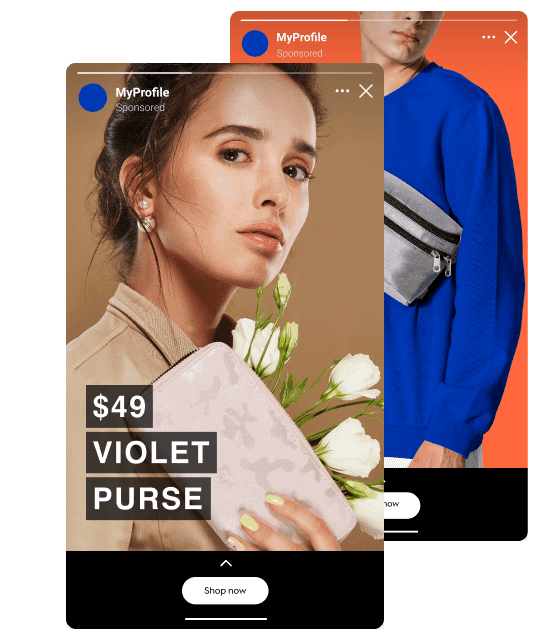
Today, fast video editing is crucial to having an online presence in our digital world. It is the key to blending images, sounds, and video clips that can emotionally connect your audience to your brand.
If you’re looking for an online video editor with no watermark, so that only your brand stands out, we have the solution. With Promo.com, you have access to a full professional editing suite at your fingertips to edit your videos online with a professional and personal touch and design features with no watermark.
Whether you want to trim your video for a social channel, combine footage, photos, and videos for that perfect YouTube intro, add your watermark, or cut out particular parts of your footage for that GIF you can share, Promo’s online video editing makes it easy.
Online video editing does not have to be hard, and Promo proves it.
Use your footage, choose from ours, or mix the two. No matter the occasion, industry, or type of video you require, Promo.com is sure to have the perfect clip to add to your video. Select from over 110M+ videos and images from our Getty Images and iStock libraries and edit them into your video in a few simple clicks.
Powerfully edit your captions and text in your videos with Promo’s assorted array of font choices, text styles, and animations to provide that professional touch. Promo.com offers a vast assortment of options in color palettes, overlays, and fonts to help you find the perfect textual and visual element that blends your video messaging in every frame.
Additionally, you can upload your own fonts and color palettes to ensure your brand’s visual elements are available to use with our text tools.
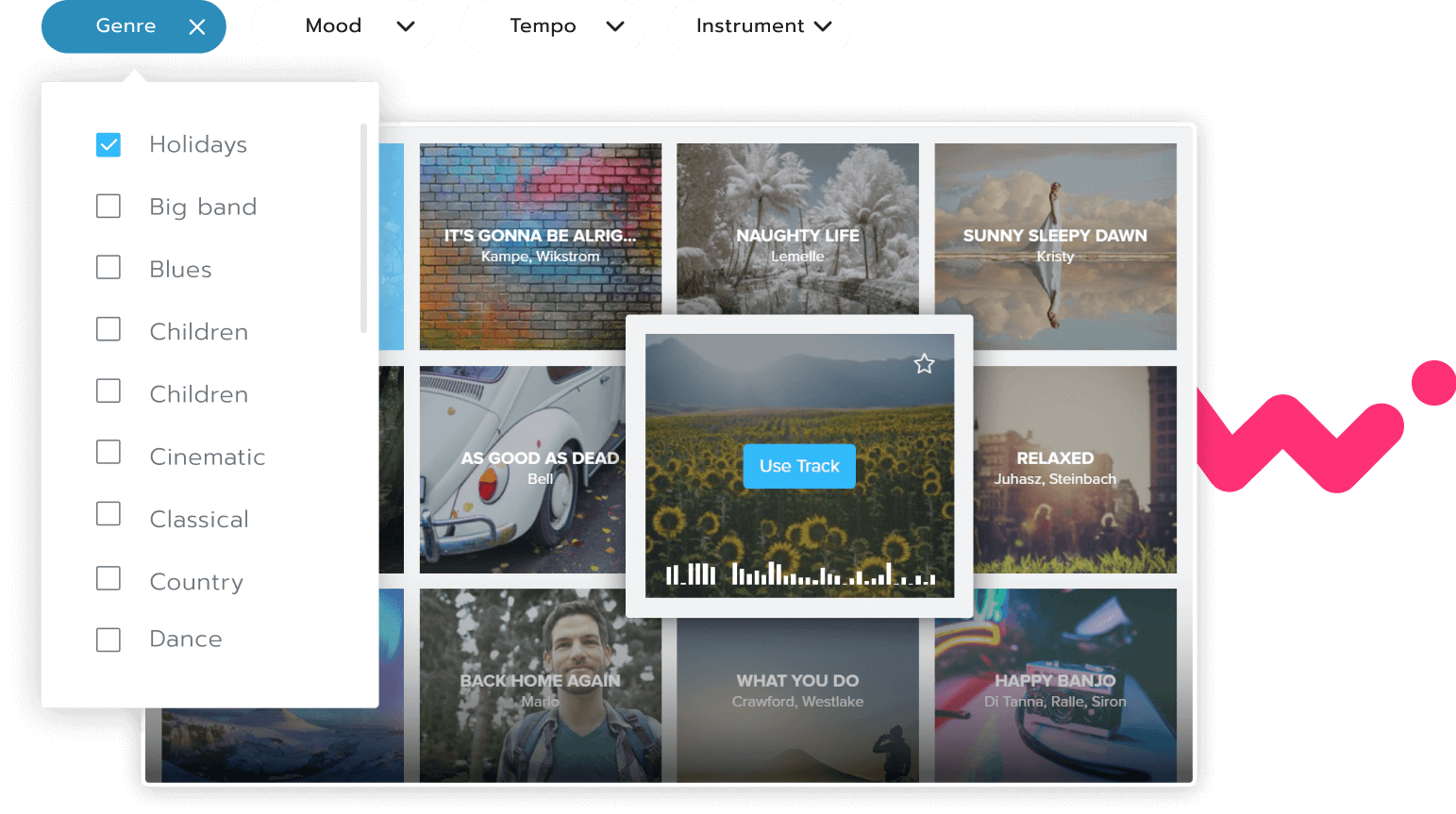
With Promo’s online video editor, you can add audio tracks or find that perfect background music to your video with ease. Add your own audio file or choose from our extensive pre-approved music library to match your video’s messaging.
Promo.com’s music categories are curated by theme and are easily filtered by Genre, Mood, Tempo, and Instrument, making finding that “spot on” audio track super straightforward.
Promo’s brand manager enables you to upload a logo, brand color, and watermark that will be applied to any video project you create in our editor. The perfect solution for giving your brand an online presence at scale.
Do you know how to compete online in the ocean of all the big brands for your audience’s attention?
An emotionally engaging and visually stimulating video with properly placed visual elements can make great shareable content that does well across all social platforms and more. In addition, having a professional polish is key to driving brand trust and loyalty.
At Promo.com, it’s super easy to edit videos online and create eye-catching and professional custom-designed videos. Any amateur video editor can utilize our tools, and our online video editor requires zero professional knowledge.
With Promo’s suite of tools, everything you need is easily accessible, and your custom video can be ready in minutes and with just a few clicks.
Promo.com’s online video editor is entirely online, so there is no need to download any software or deal with heavy downloads. Instead, you can access our editor directly on your browser and store your work in your Promo online portfolio.
Everything you do is safely hosted on the cloud, so you and your team can easily access your library and your brand’s visual elements from all devices at all times, saving the need for downloads, saving, and sharing files.
Promo.com’s list of tools is extensive, and having your brand’s visual assets all in one place is not only a time-saver, but team editing and input is a snap!
Our job is never done! We’re here to help support your video editing journey with awesome content, motivating tips, and creative ideas. If you’d like some more inspiration, check out a few of our related blog articles below:
| Video Compressor
Easily share your video by quickly compressing any video online in just a few clicks. Lose the size and keep the quality. |
Online Video Cutter
Trim any video format for that perfect fit. Our video cutter supports all video formats to trim any video in seconds. |
Video Cropper
Effortlessly crop any video online in seconds & instantly apply the right aspect ratio to share on multiple platforms! |
||
| Video Merger
Merge videos online effortlessly and in minutes. Use your own footage or choose from our extensive footage library. |
Video Resizer
Resize your video for any social media platform effortlessly in just a few clicks with Promo’s easy-to-use video resizer. |
Online MP4 Editor
Create stunning videos easily with our MP4 editor. Upload or choose footage to design for branded videos that stand out. |
||
| Add Text to Video
Enhance any video with your choice of text, subtitles, captions, and animated text styles that bring your video to life. |
Add Audio to Video
Add audio to video in a snap within minutes! Find that perfect track to make your video stand out. |
Montage Maker
Create and design a photo or video montage straight from your browser in just a few clicks. |
||
| Add Subtitles to Video
Easily add subtitles or captions to your video for total accessibility for everyone & everywhere, and all the time. |
Video Editor for YouTube
Brand YouTube videos with ease with our YouTube video editor. Create, edit, and trim your videos in minutes! |
Add Music to Video
Add audio with our online video editor. Add your own or choose from our huge royalty-free music library. |
With Promo.com, you can create videos for:
Promo.com is completely free to try, with no credit card required. You can create drafts, invite team members to review your videos, and explore the platform’s features at no cost.
When you’re ready to download your video, Promo.com offers flexible subscription plans designed to fit different business needs. Visit our Pricing Page to explore the available options.
Anywhere you like! All videos you create and download are fully yours to use—whenever, wherever, and as often as you want. You can publish, upload, share, or run ads with your videos across social media platforms such as Facebook, Instagram, YouTube, Twitter, and LinkedIn, as well as embed them on websites, blogs, and in emails.
With the Promo.com online video creator, there’s no limit to how you use your content. Video creation and video editing have never been this simple.
Everything. You can add, remove, and trim video clips to match your vision, edit text, include music, apply color filters, and add images from Shutterstock and Getty—or upload your own media. Finish your video by adding your logo to give it a personal, branded touch.
If you prefer a faster approach, you can also choose from ready-made templates already optimized for online success.
No worries. Promo.com offers a 5-star customer support team, along with detailed articles in our knowledge base, helpful marketing and educational resources on our blog, and plenty of inspiration shared through our social media channels.